
Paying with credit and cashback at the till: how it works in Storyous and Papaya POS
How customers pay with credit and cashback at Storyous and Papaya POS tills: automatic use, the trigger product, what customers see and how to train your staff.
Cashback and credit only make sense to a customer when they can spend them easily. If staff at the counter have to look up the balance in another app and deduct it by hand, the customer would rather not ask, and the credit just sits on the card.
When Rewardly is connected to a Storyous or Papaya POS till, credit and cashback go straight onto the bill. Each till does it a little differently, though. In this article you will find what exactly happens at payment, which setting to choose for your business and how to explain it to staff.
What both tills have in common
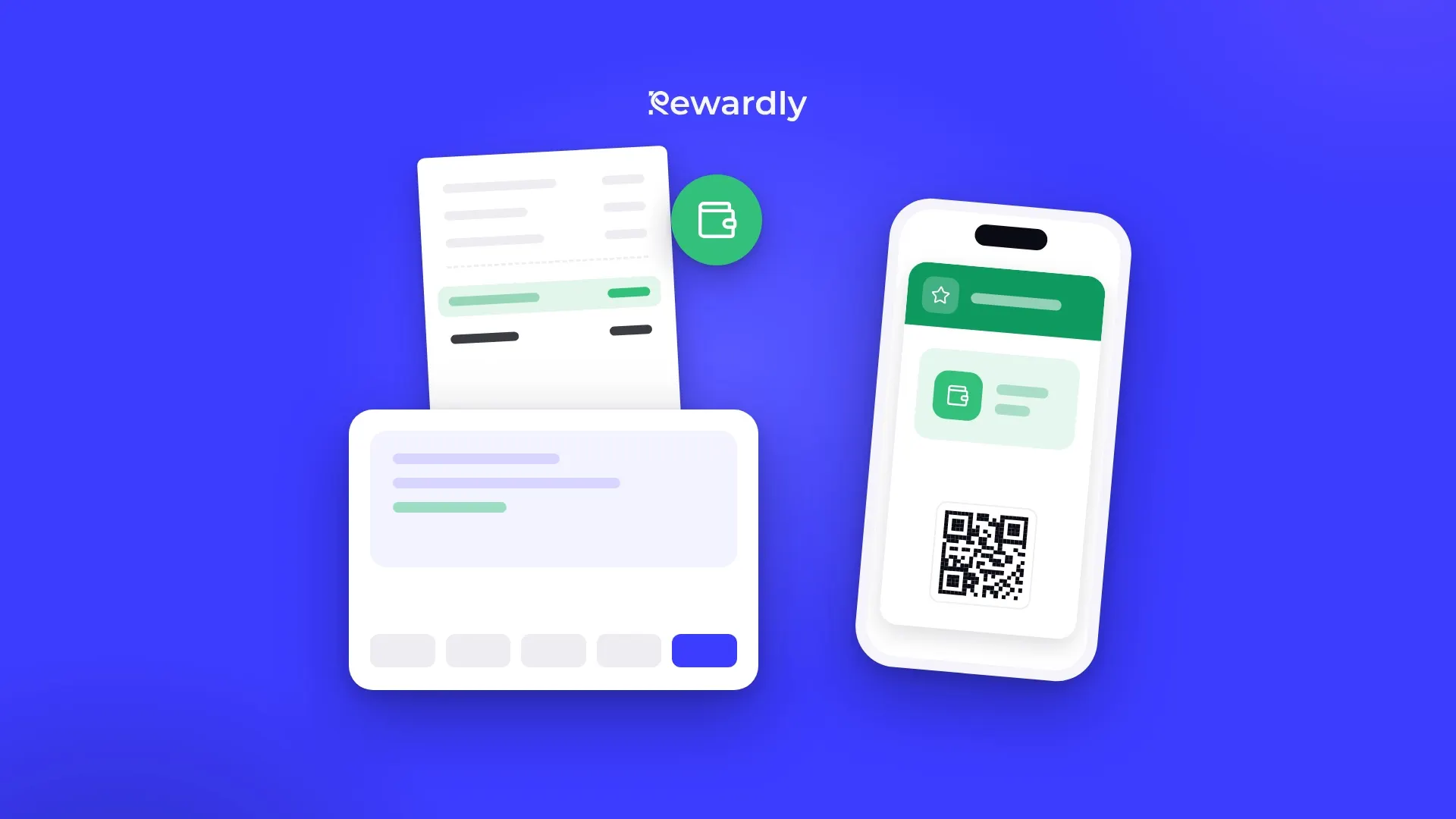
The customer shows the Rewardly card on their phone and staff scan it. At that moment the till asks Rewardly for the customer's current status, and Rewardly sends how much credit or cashback can be used on the open bill. Balances are not stored in the till, the status is always read live.
Two things apply to both:
- Credit is not topped up at the till. You cannot prepay at the till either. The till only spends what the customer already has in Rewardly, for example cashback from earlier purchases.
- The till never waits. If Rewardly does not respond at that moment, the till gets an empty offer with a message that the loyalty system is temporarily unavailable. You settle the bill as usual, just without credit.
The POS integration is in the Advanced plan and higher.
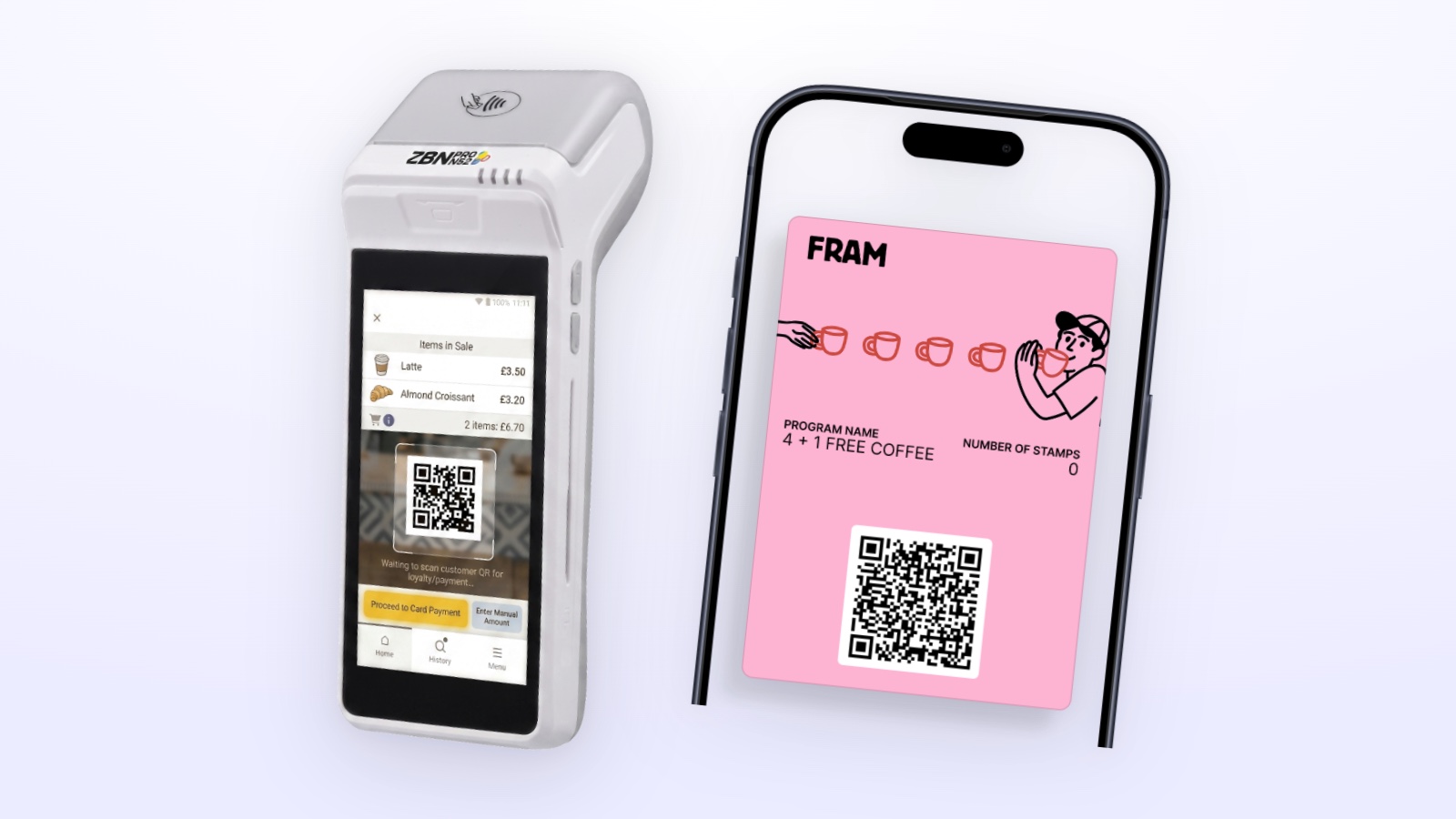
Storyous: credit pre filled, the waiter decides
How it works. After the card is scanned, credit and cashback are pre filled on the bill automatically. The waiter can lower or reject them. If the customer says they want to keep the credit for another time, the waiter simply removes it from the bill.
What you set up. In Rewardly, in the Storyous integration settings, there is a switch for using credit automatically. It is on by default. When you switch it off, nothing is pre filled and the waiter chooses the credit amount on the till.
What the customer sees. The printed bill has a line with the credit used and a line with the remaining credit balance. The customer knows right away how much they paid with credit and how much they have left.
Things to keep in mind. In Storyous, points are not spent like money. For points the customer takes a catalog reward, while credit and cashback pay part of the bill. One customer belongs on one bill. If you scan the cards of two different people on a bill, the till gets no offer. If you cancel a bill, Rewardly reverses what it recorded on it.
For details about the connection, see the Storyous integration page.
Papaya POS: all at once, or only on request
Automatic use (default). After the card is scanned, the till spends all available credit and cashback, up to the amount of the bill. If the customer has more credit than the bill, the rest stays on the card.
Use through a trigger product. If you switch off automatic use, you choose one product from the Papaya POS catalog in the integration settings, for example "REDEEM REWARD". Credit is applied to the bill only when the cashier rings it up. The trigger product itself never counts toward the purchase for points or stamps.
What the cashier cannot do. The cashier cannot enter part of the credit. Either all available credit is spent up to the amount of the bill, or, with automatic use switched off, nothing is spent until the trigger product is rung up.
What the customer sees. The credit shows on the bill as a discount, and the bill is lower. The cashier sees a short message on the till with the customer's first name and balances. Credit is taken off the card only after payment, and only when the amount paid shows that the discount was actually applied to the bill.
Things to keep in mind. Canceling a bill in Papaya POS does not reverse loyalty values. If you cancel a bill on which credit was spent, you correct the customer's balance manually in their detail in Rewardly.
For details about the connection, see the Papaya POS integration page.
Which approach suits which business
You usually do not choose a till because of credit. You choose the setting that fits how payment works at your place.
- A fast counter with a queue, such as a café or a bakery: automatic use saves time. The customer gets the credit without having to ask for it, and staff have nothing to sort out.
- A restaurant with table service: Storyous with pre filled credit gives the waiter room to ask and adjust the amount right at the table.
- A business where customers save credit for a bigger purchase: with Papaya POS, switch off automatic use and use a trigger product. With Storyous it is enough for the waiter to remove the credit, or you switch off automatic pre filling.
- Several cashiers and frequent staff changes: choose the simplest possible rule. Automatic use means fewer decisions at the till.
If you use Portos or Dotykačka, credit is spent in a different way. You will find all four till connections on the integrations page.
How to train your staff
- Scan the card before closing the bill. Otherwise the credit is not applied and the purchase is not added.
- Tell the customer they are paying with credit. A short sentence at payment, such as "part of your bill is paid with credit", reminds them that coming back pays off.
- With automatic use, let them know in advance. If all the credit will be spent, the customer should know before paying.
- With a trigger product, agree on a rule. For example: we use credit whenever the customer asks. The cashier then knows when to ring up the product.
- With Storyous, ask. The waiter can lower or reject the credit, so one question is enough: would you like to use your credit today?
- Deal with cancellations right away. With Papaya POS, after a cancellation check the customer's balance in Rewardly and correct it.
Summary
Storyous pre fills the credit and leaves the decision to the waiter, and shows the credit used and the credit left on the receipt. Papaya POS spends all available credit automatically, or only on request through a trigger product. With both, credit is not topped up at the till and only the scanned card identifies the customer.
For an overview of loyalty card types, see the digital loyalty programs page. If you are not sure which setting to choose, write to us.
Let customers pay with credit right at the till. Try Rewardly for €0
No upfront payment, the POS integration is in the Advanced plan and higher.