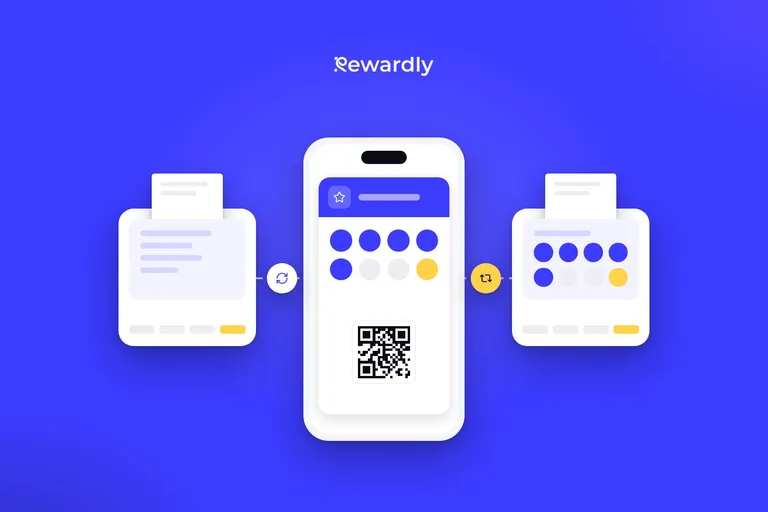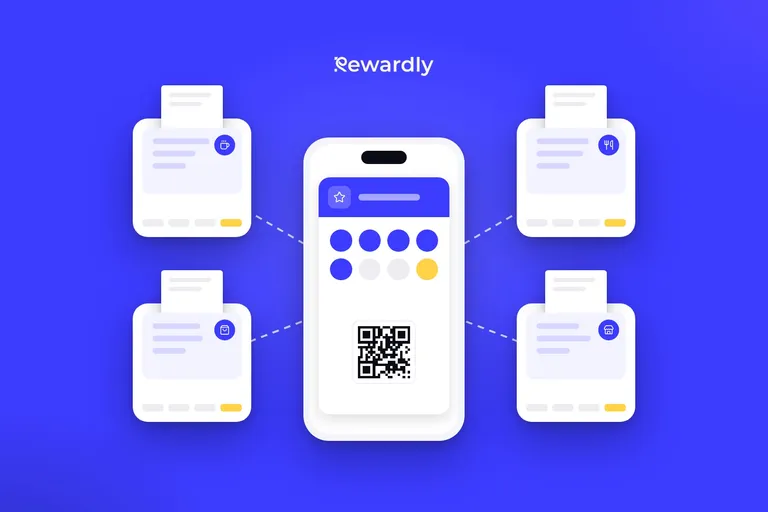

Scanning a loyalty card at the till: how staff recognise the customer
The till recognises the customer by their Rewardly card in Apple Wallet or Google Wallet, not by phone. Why to scan before closing the bill, plus staff tips.
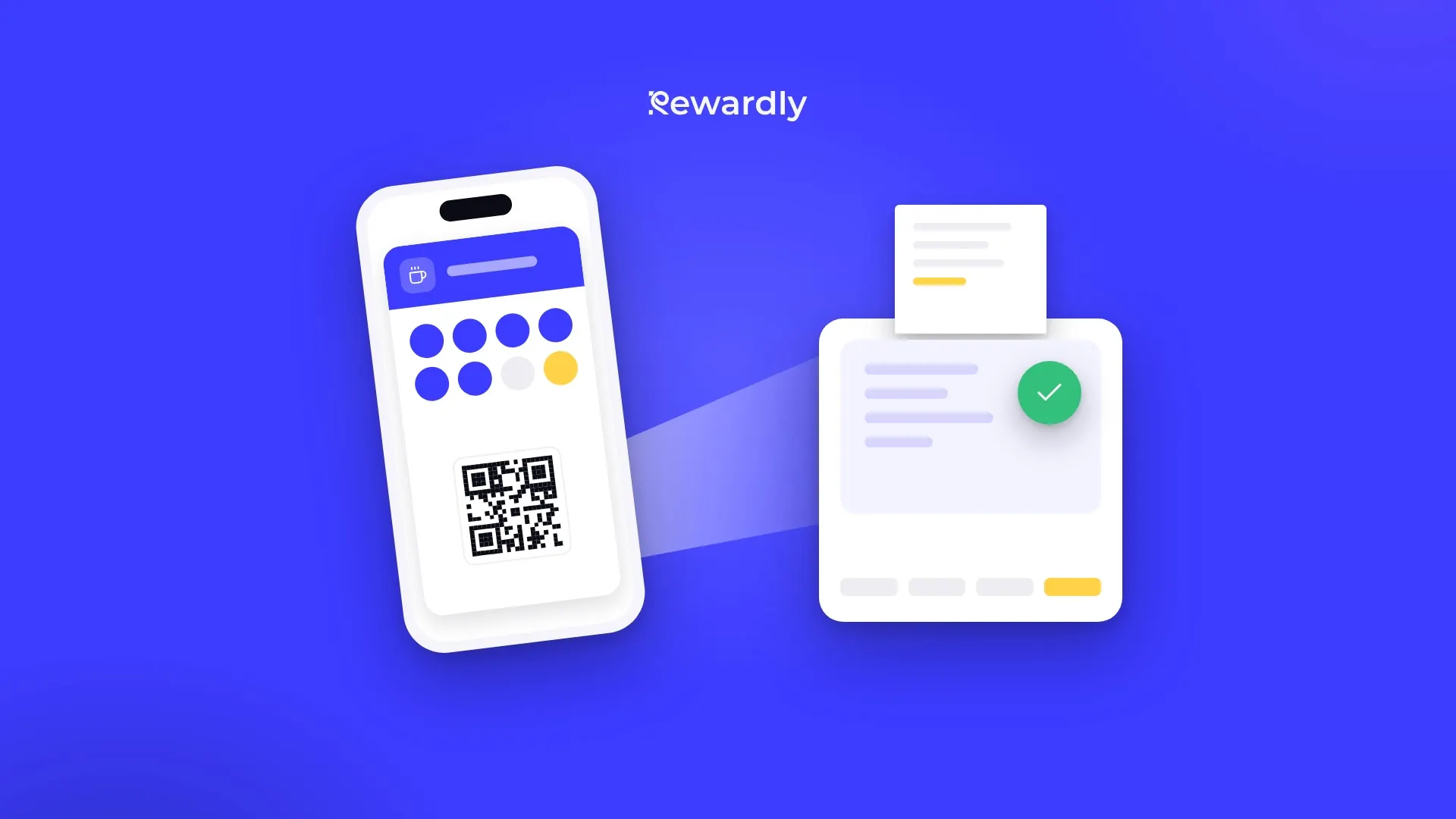
For a purchase to be added to the right customer, the till has to know who is standing at it. In Rewardly one thing does that job: the customer's loyalty card on their phone. Staff scan it and the till knows whom to add the purchase to and which rewards it can offer.
In this article you will find how identification works with a connected till, why the card has to be scanned before the bill is closed and what to do if your till is not connected to Rewardly.
The card is on the phone, not in a wallet full of plastic cards
The customer adds the card by scanning a QR code at the counter or through a link you send them. They fill in a short form and save the card to Apple Wallet on an iPhone or to Google Wallet on Android. They do not have to download any app, and the whole thing takes about 10 seconds.
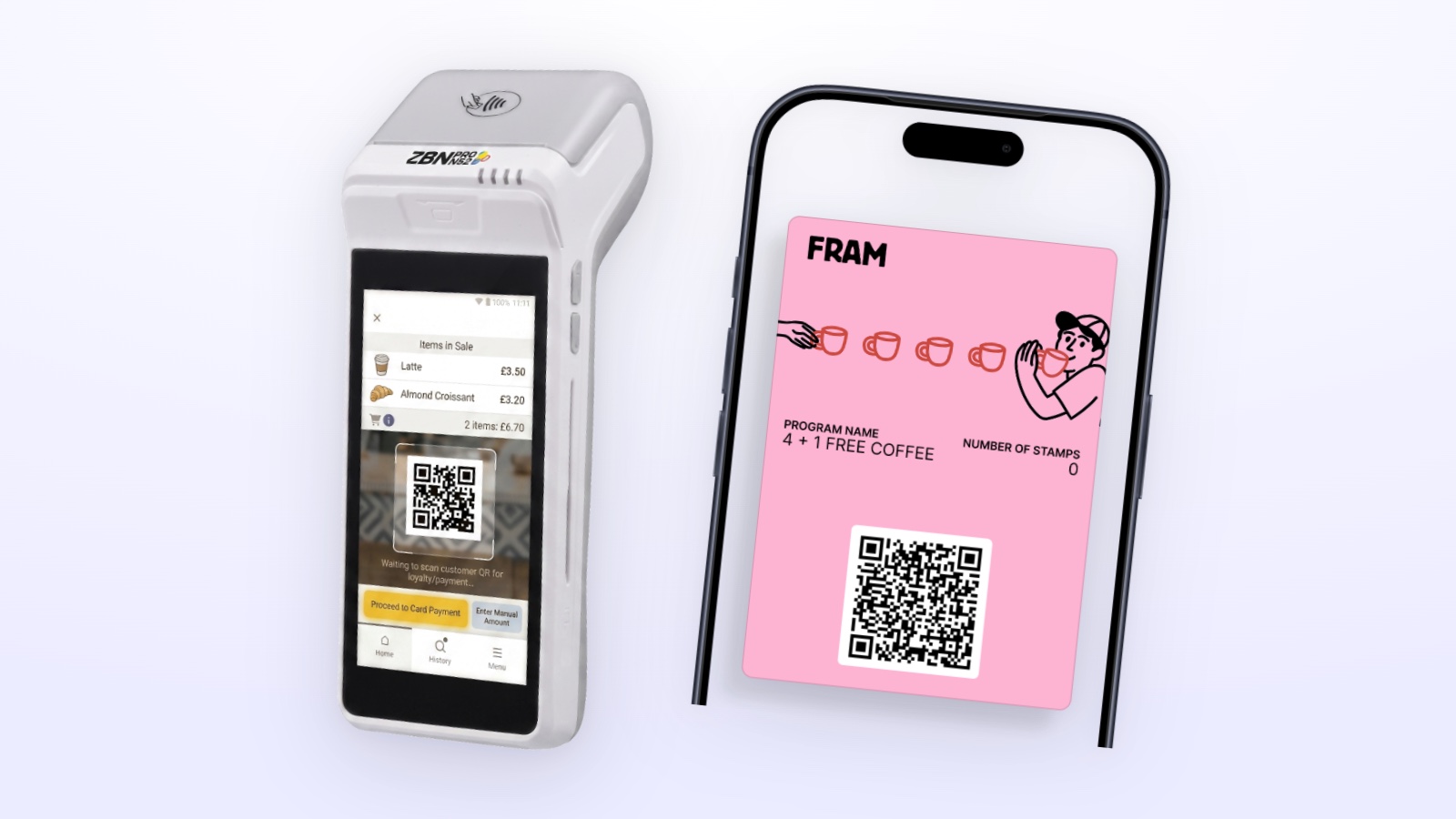
The card has a QR code. It carries the Rewardly card code, and the till uses it to recognise the customer. To learn more about how the digital card works, see the how it works page.
How a connected till recognises the customer
Rewardly connects with the PapayaPOS, Storyous, Portos and Dotykačka tills. Each one handles the card code a little differently, but the result is the same: the scanned card identifies the customer.
- PapayaPOS: the scanned code is the Rewardly card code. If the scanner reads the whole link from the QR code, Rewardly picks out the card code itself.
- Storyous: the till sends Rewardly the scanned card code, for example the barcode from the card on the phone, and Rewardly finds the customer by it.
- Portos: Rewardly creates a customer in Portos for every card. The card number in Portos is the same code that staff scan.
- Dotykačka: Rewardly creates a customer in Dotykačka for every card, with a barcode matching the Rewardly card. Scanning the card selects the customer at the till.
You will find each connection on the integrations page.
Why not by phone number or name
None of the four integrations looks up the customer by phone number, name or email. The only way to recognise them at the till is their Rewardly card.
For staff this is simpler than it sounds. Nobody has to dictate a number across the counter or search a list of identical names. The customer shows their phone, staff scan the code and carry on ringing up the order.
The card has to exist before the purchase. The till does not create a new member. Storyous, for example, reports that it did not find the customer when the code is unknown. A new customer therefore first adds the card through the QR code at the counter, and only then do staff scan it.
Why scan before closing the bill
The card has to be on the bill before you close it. Otherwise the purchase is not added. There are two reasons.
Earning. After payment the till sends the purchase to Rewardly, which adds points, stamps or cashback to the customer whose card is on the bill. With Portos only a receipt that had the card on it before closing earns. Dotykačka adds nothing for an order without a customer.
Rewards and discounts. PapayaPOS, Storyous and Portos ask Rewardly what the customer can redeem when the card is scanned, and put the discount on the open bill. In Dotykačka, once the customer is selected, their discount group applies and staff can ring up the reward product. You can no longer add a reward or discount to a closed bill.
If the scan is forgotten after all, you correct the customer's stamps or points manually in their detail in Rewardly. With Dotykačka, though, when it calculates points for products itself, a manual change of points does not reach the till.
Tips for staff
- Ask for the card right at the start. Ideally when taking the order, not at payment. The customer has time to open the card on their phone.
- Scan before closing the bill. This is the one rule that applies at all four tills.
- One customer per bill. If you scan the cards of two different customers on one bill in Storyous, the offer stays empty and you cannot apply any reward or credit. When everyone pays separately, split the bill.
- Do not sort out an unknown card at the till. If the till does not recognise the customer, check that they are showing the card for your business. A new customer adds the card through the QR code at the counter.
- When Rewardly does not respond, finish the bill. PapayaPOS and Storyous do not wait for Rewardly. They show a message that the loyalty system is temporarily unavailable, and you settle the bill as usual, just without loyalty rewards.
- Show the customer the result. After the purchase the card on their phone updates and the customer sees the new stamps or points on it.
Without a connected till: the Rewardly app at the counter
If your till is not one of the four connected ones, or you do not use the integration, you scan the card in the Rewardly app. It runs on a phone or tablet with iOS or Android, and in the browser too, and it is part of every plan.
The process is similar. Staff scan the QR code from the customer's card and add stamps or enter the purchase amount, from which the points are calculated. If the code cannot be scanned, the card code can also be typed in by hand. When a reward is ready, the app shows it and staff confirm it.
The app needs an internet connection. Without it the scan is not recorded and has to be repeated once the connection is back. You settle the bill on your till separately, as you are used to.
The rule stays the same: scan the card at the time of purchase, while the customer is at the counter. For an overview of card types, see the digital loyalty programs page, and for till connections, the integrations page. The POS integration is part of the Advanced plan and higher.
Start scanning loyalty cards at the counter. Try Rewardly for €0
No upfront payment, the card scanning app is in every plan.