
A stamp card that pays out the reward on the same bill: how it works in Storyous
How Storyous applies a stamp card reward right on the bill that filled the card: how it goes in a café, what the waiter controls, Rewardly setup and the limits.
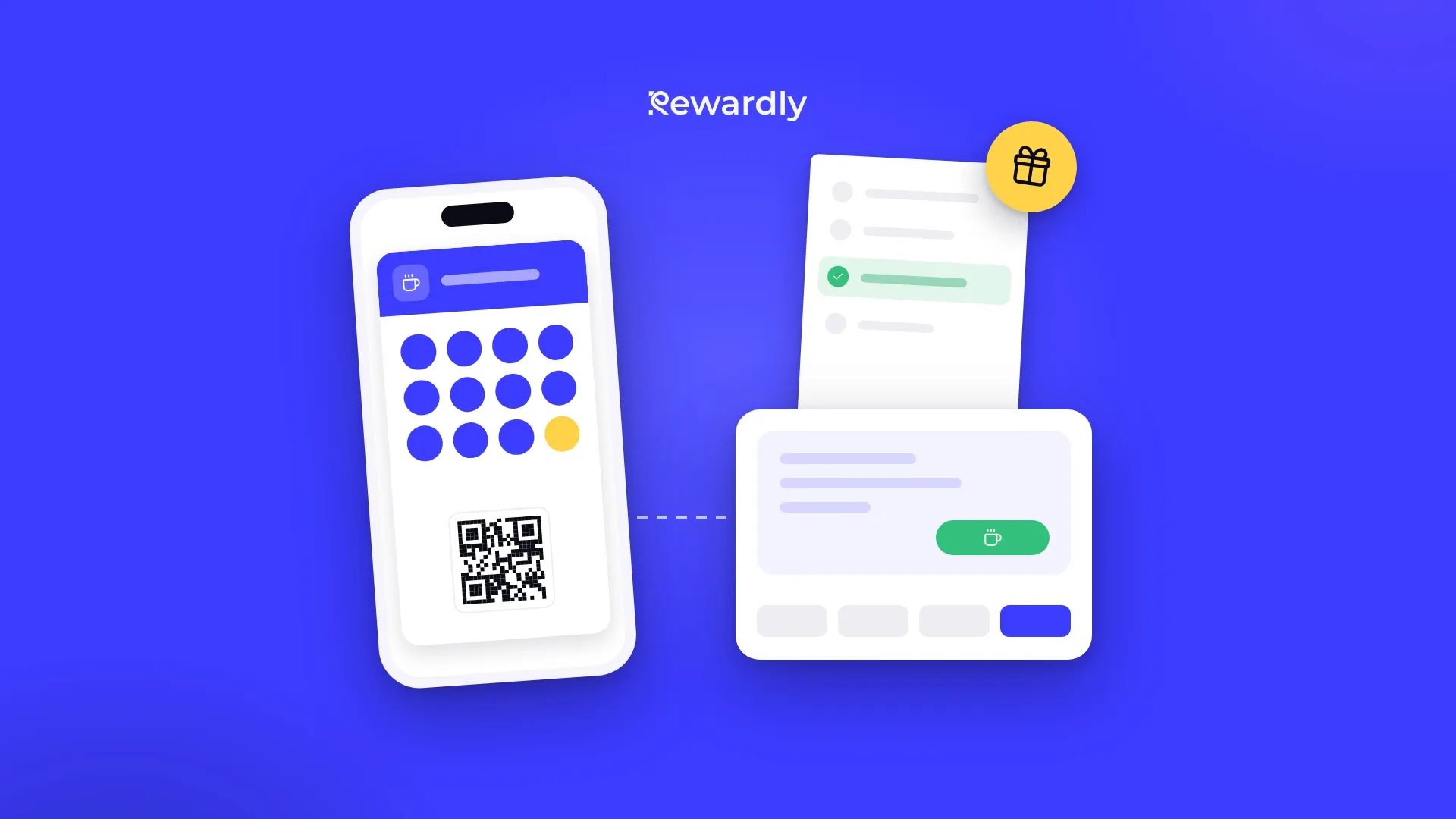
A customer orders their tenth coffee and wonders whether they get it free right away or only on their next visit. With a paper card, staff usually decide from memory. When Rewardly is connected to a Storyous till, the till decides by itself: if the purchase fills the stamp card, the reward is applied directly to this bill.
In this article you will find how such a bill goes in a café, what the waiter controls, what you set up in Rewardly and where the limits of this feature are.
How it goes at the till
Imagine a café with an "every tenth coffee free" card. A regular has nine stamps on her card and orders a coffee and a cake.
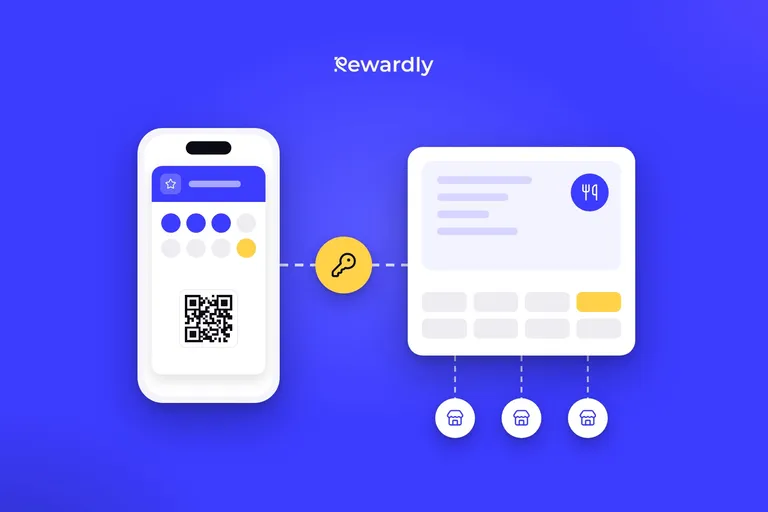
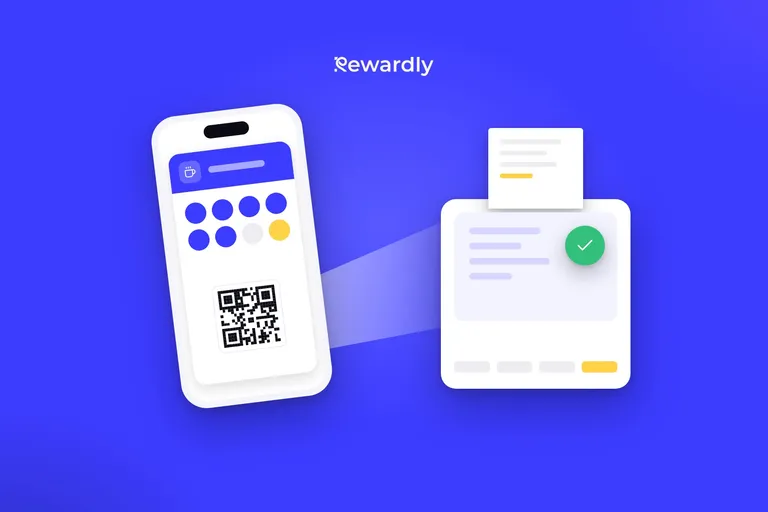
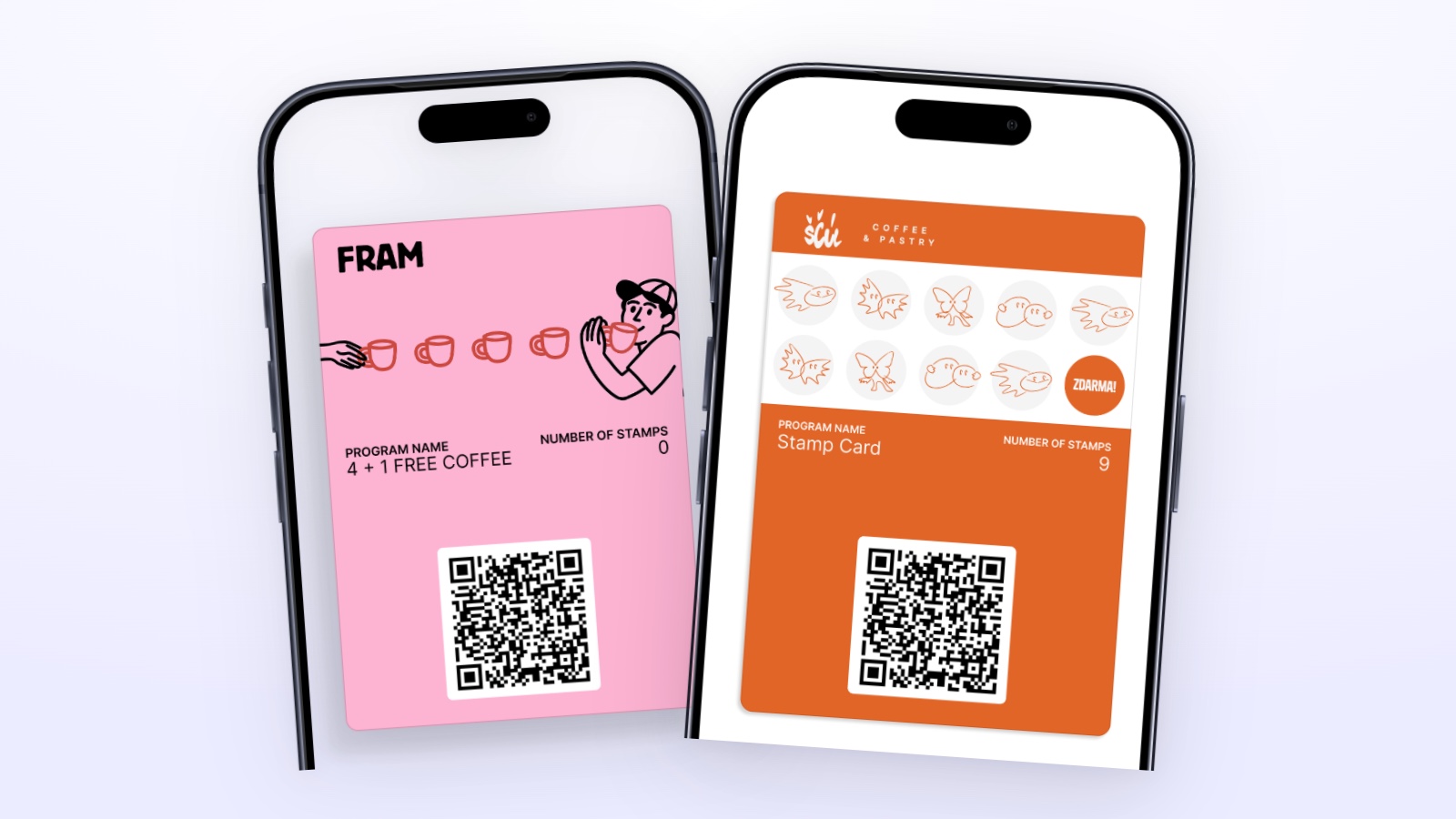
- The waiter scans the card. The customer shows her Rewardly card in Apple Wallet or Google Wallet and the waiter scans its QR code. At that moment the Storyous till asks Rewardly what belongs to the open bill.
- The till shows the card status. The waiter sees the customer's first name, how many stamps she has and how many this purchase adds. The texts on the till are in Slovak, Czech or English.
- The reward is applied right away. Since this purchase fills the card, Rewardly also sends the till the reward the customer has just earned. The till applies it to the bill automatically.
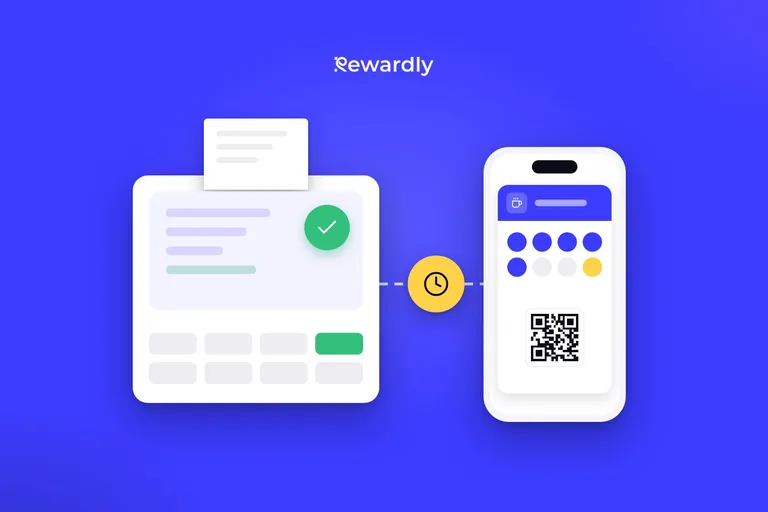
- Everything is recorded after payment. Storyous reports the paid bill and Rewardly records both the stamp and the use of the reward. The card starts counting from the beginning, and any extra stamps carry over to the next round.
The whole thing takes as long as a normal card scan. The waiter does not have to count anything or look for the reward in another app.
Why it matters to the customer
A reward the customer has to wait for until their next visit feels like a promise. A reward on the same bill is visible right away. The customer leaves feeling that the business rewarded them now, not someday.
It also removes awkward moments at the counter. Staff do not have to apologise that the reward will only show up "next time", and the customer does not have to wonder whether to ask for the free coffee themselves.
What the waiter controls
Automation does not mean staff have no say. In Storyous, rewards show up as vouchers that the waiter can switch on or off.
- The reward earned by this purchase: it is switched on automatically. If the customer does not want to use it right now, the waiter switches it off.
- Rewards the customer already has: they are also switched on automatically. The waiter can switch one off and the customer keeps it for another time.
- Catalog rewards for points: they are switched off until the waiter selects them. One can be chosen per purchase.
What you set up in Rewardly
The feature needs no special setup. A stamp card and a connected till are enough.
- The Storyous connection. You get a connection code in Rewardly and enter it in the Storyous settings. You do not give anyone your Storyous password. The POS integration is in the Advanced plan and higher. You will find the steps on the Storyous integration page.
- The stamp card. You decide how many stamps the reward takes and what the customer gets. You can give a stamp per visit or per specific product. Rewardly loads the menu from Storyous including categories, so a rule can target only coffee, for example.
- Think about the number of stamps in advance. You cannot change it after the card is launched. You can edit the reward name and the card design.
If you are just starting with digital cards, read how Rewardly works.
Where the feature has limits
Before you explain it to your staff, go through a few rules that apply at the Storyous till.
- The customer must have the card in advance. The till does not create a new member. If the customer does not have the card yet, they should add it to their phone before paying. Adding the card to the wallet takes about 10 seconds.
- Only the scanned card identifies the customer. Searching by phone number or name at the till does not work.
- One customer per bill. If you scan the cards of two different people on a bill, the till gets no offer. At a shared table, split the bill.
- One catalog reward or earned reward per purchase. Rewards the customer already has are counted separately.
- Points are not spent like money. For points the customer can take a catalog reward, not pay part of the bill.
- A canceled bill is reversed. If you cancel a bill, Rewardly reverses the stamps and the reward it added on it. A failed payment records nothing.
If Rewardly does not respond at that moment, the till does not wait. It gets an empty offer with a message that the loyalty system is temporarily unavailable, and you settle the bill as usual.
How it works with other tills
In this article we describe applying the reward directly on the bill that filled the card for Storyous. With the other tills Rewardly connects with, rewards are applied differently:
- Papaya POS: the till applies a reward the customer already has on the right line of the bill. If there are several items on the line, one is free.
- Portos: the till gets a list of rewards and checks the conditions itself.
- Dotykačka: staff ring up a special product that Rewardly creates in Dotykačka.
You will find all four connections on the integrations page. Without a connected till, staff confirm the reward in the Rewardly app on a phone or tablet.
How to explain it to staff
Three sentences are enough for a short training:
- Scan the card before closing the bill, otherwise the purchase is not added.
- If the till shows a reward, it is already on the bill. Tell the customer so they know what they are not paying for today.
- If the customer wants to keep the reward, switch it off on the till.
If you are not sure how to set up the card for your café, write to us.
Launch a stamp card connected to Storyous. Try Rewardly for €0
No upfront payment, the POS integration is in the Advanced plan and higher.