Free printable gift voucher: design a voucher with your own logo
Design a free gift voucher: value, code, expiry date, logo and a personal message. Four templates, DL size, print PNG, SVG or PDF. No sign up needed.

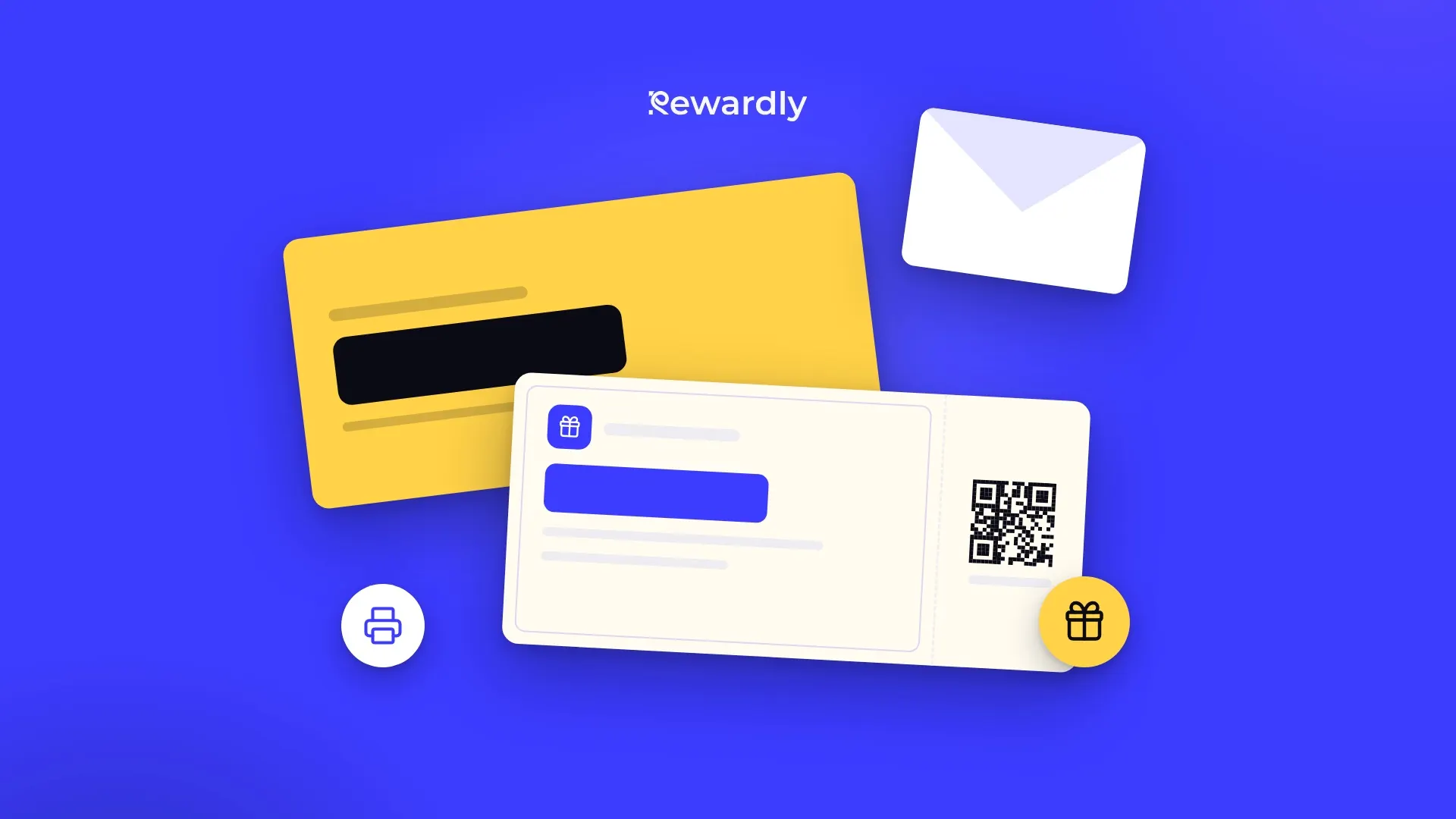
Before Christmas, Mother's Day or a birthday, customers ask: "Do you have a gift voucher?" Without one, you find that a Word template falls apart in print, a designer costs money and online templates carry someone else's brand. So we built a free gift voucher maker: fill in the offer, pick a look and download a voucher ready to print.
What goes on the voucher
The maker has two tabs: Content and Design. Under Content you fill in everything the voucher should say:
- Business: your name and website. The website is printed small at the foot of the voucher.
- Value: choose one of four types. Amount (for example €50), Money off, % off or Service, where you describe the value in words, such as "Dinner for two" or "Back massage". You set the currency and whether it goes before or after the number.
- Title and short description: "Gift voucher", "Happy birthday" or the name of a package. The description under the value can stay empty.
- Code, expiry and terms: the code is printed exactly as you type it. Add an expiry date and one line of small print, for example "Redeemable in store. Not exchangeable for cash."
- Personal message: To, From and a short message. Leave a name empty and the voucher prints a line, so the buyer can write it in by hand.

Four templates, one content
Under Design you pick a template. The content stays the same, so you can click through all four:
- Minimal: a white voucher led by type, your colour only on the details.
- Premium: warm black, a serif and an inset frame. Suits hotels, restaurants and salons.
- Bold: your colour edge to edge and a value you can read across the room.
- Classic: cream paper, a double rule and a tear off stub with the code.
Add your logo (PNG, JPG, SVG or WebP) and your brand colour from the swatches or as an exact hex code. If you filled in your website, you can also put a QR code that opens your site in the corner of the voucher.
How to design a voucher people are happy to give
- The value is the biggest thing on the voucher. Keep the title short. The templates shrink the value to fit, so a longer offer in words still reads.
- Always add an expiry date and a code. A voucher with no end date sits in a drawer for years and is awkward at the till. Twelve months is the usual. A code, even a simple one, tells your staff the voucher really is yours.
- Make it a gift, not a receipt. Most vouchers are bought for someone else. The To, From and message lines are what turn paper into a present.
Printing and downloads
The voucher is DL size, 210 × 99 mm. That is a third of A4, and it fits a standard DL envelope. You get four buttons:
- Download PNG for print: 3360 × 1584 px, about 406 dpi, for a print shop. Ask for card of around 300 g/m².
- Download PNG for sharing: a lighter file for email or WhatsApp when you send the voucher digitally.
- Download SVG: for a design app, if you want to keep editing.
- Print or save as PDF: the page is exactly the size of the voucher, so "Save as PDF" in the print dialog gives you a clean PDF.
If you print at home, three vouchers fit on one A4 sheet. Use good paper and trim.
Free, no sign up
The maker needs no account and no email. Everything runs in your browser: the voucher is saved only in this browser so you can come back to it, and it is not sent anywhere.
Where a paper voucher falls short
The printed code is not registered anywhere. The maker does not issue or track codes, so you keep track of redemptions yourself. For a small business a simple spreadsheet is enough. We explain how to keep one in Gift voucher template or sell online?
A paper voucher has a second weakness: you can only sell it to people who come in. Someone who remembers the present the evening before the party buys it somewhere else.
That is what Rewardly vouchers are for:
- You get a voucher shop with your logo and colours. The customer pays online by card and can send the voucher straight to the recipient by email, with their name and a message.
- The recipient saves the voucher to Apple Wallet or Google Wallet. They can print it too.
- When it is redeemed, your staff scan it in the Rewardly app. No list of codes to keep.
- The money goes to your account and Rewardly takes no commission on voucher sales.
Besides gift vouchers with a value, you can also sell passes for a set number of visits. Vouchers are part of the Professional plan.
Sell your vouchers online too. Try Rewardly for €0
No upfront payment, set up in 2 minutes.