

Free printable loyalty card: design a stamp card in a few minutes
Design a free printable stamp card: name, reward, logo, 4 to 12 stamps and your colours. Print 10 cards on A4 or download a PNG or SVG for a print shop.

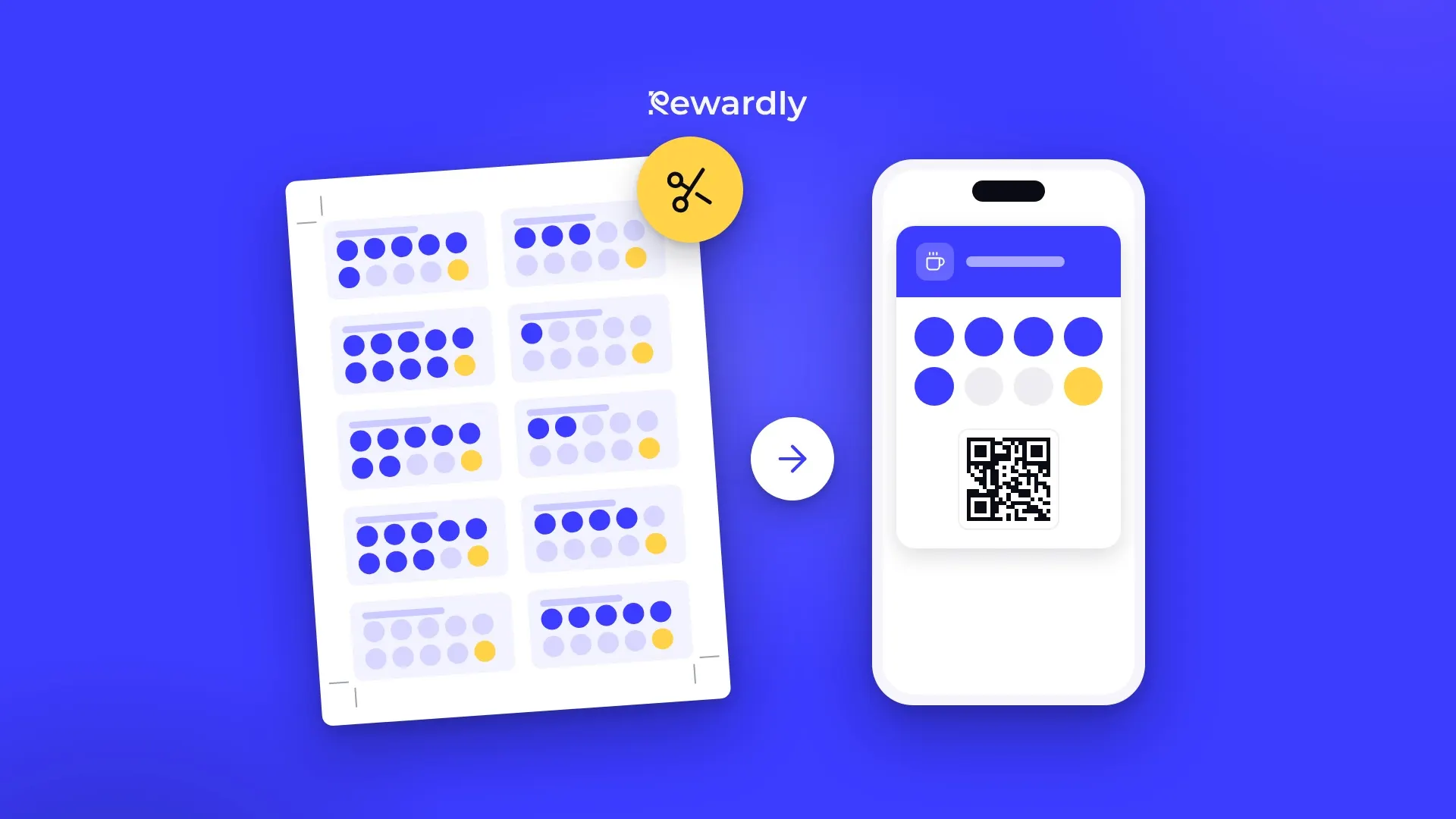
A paper stamp card is the quickest way to start a loyalty program. All you need is a printer, scissors and a stamp. The hard part is the design: a Word template falls apart in print, a designer costs money and online templates look like the card next door.
That is why we built a free loyalty card maker. Fill in a few fields and download a card that is ready to print.
What you can set on the card
- Name and reward: your business name and the reward, for example "Every 8th coffee free". Keep the reward short so it stays readable on the card.
- Logo: PNG, JPG, SVG or WebP up to 5 MB.
- Number of stamps: from 4 to 12.
- Icons: pick a stamp icon from groups such as drinks, bakery and sweets, meals, beauty, fitness or services. A separate reward icon sits on the last slot, so the customer always sees what they are collecting for.
- Shape and colours: circle, square or rounded square stamps, and your own colour for the card, the text and the slots.
- Size: 85 × 55 mm, the European business card, or the US business card at 3.5 × 2 inches.
The preview changes with every edit, so you see straight away how the card will look in your customer's hand.

Five steps
- Open the loyalty card maker.
- Type your business name and the reward and upload your logo.
- Choose the number of stamps, the stamp icon and the reward icon.
- Set the colours and check in the preview that the text is easy to read.
- Print the card at home as a sheet or download it for a print shop.
How many stamps to choose
Six to eight stamps suit purchases that come round once a week, such as coffee, pastries or lunch. Ten to twelve work for cheap items people buy several times a week. More expensive services, such as a haircut or a treatment, rarely need more than five or six stamps. Nobody collects for a reward that is a year away.
If you want to work out the number from your own prices and costs, read How many stamps to put on a loyalty card.
Printing at home
The "Print sheet" button lays out ten cards on one A4 sheet with crop marks at the edges. With the US size you get a US Letter sheet in the Avery 5371 layout, so you can also print on perforated business card paper and simply snap the cards out.
Two things decide whether the cards come out the right size:
- In the print dialog, choose 100 % scale and no margins.
- Print the first sheet on plain paper and measure one card with a ruler. Only then print on card stock.
Printing at a print shop
If you want more cards or thicker paper, download the card as a PNG (about 400 dpi) or an SVG and send it to a print shop. Ask for matte card stock of 300 to 350 g/m². A stamp and a pen both hold on a matte surface, while ink smudges easily on a glossy one.
Really free
The maker needs no account and no email. There is no watermark on the card itself. Only the margin of the print sheet, outside the crop lines, carries a small note "Made with rewardly.me". Everything runs in your browser: your text and logo are not sent anywhere and are not stored on our servers.
When a paper card is no longer enough
Paper cards have well known weak spots. A customer leaves the card at home or loses it, and starts collecting again on a new one. You have no way to remind them that they are one stamp away from the reward. And you cannot see how many people actually use the card.
That is why the maker also shows a second preview: the same design as a loyalty card in Apple Wallet. The "Make it digital" button opens Rewardly with the name, reward, number of stamps, icons and colours already filled in. You check the card, create an account and you are ready to start.

How it then works in your shop:
- The customer scans the QR code at your counter, fills in a short form and adds the card to Apple Wallet or Google Wallet. There is no app to download and it takes about 10 seconds.
- Your staff scan the card in the Rewardly app on a phone or tablet and add a stamp. No till is needed, only an internet connection.
- The card on the phone updates as soon as a stamp is added. When it is full, the reward is ready and the card starts counting again.
- On the Advanced plan and higher you can send notifications to your customers' phones, for example a welcome after they add the card or a birthday greeting.
One tip before you switch: think the number of stamps through for the digital card, but nothing is final: you can change it even after the program is live, just like the design and the reward text.
Paper and digital cards can run side by side for a while. How to make the switch without complaints from your regulars is covered in How to switch from paper loyalty cards to digital. And if you also want to collect reviews at the counter, try our second free tool, the Google review QR code.
Put your design on your customers' phones. Try Rewardly for €0
No upfront payment, set up in 2 minutes.


