How to switch from paper loyalty cards to digital without complaints
How to switch from paper loyalty cards to digital in three weeks: the poster text, one sentence for your staff and what to do with half full paper cards.
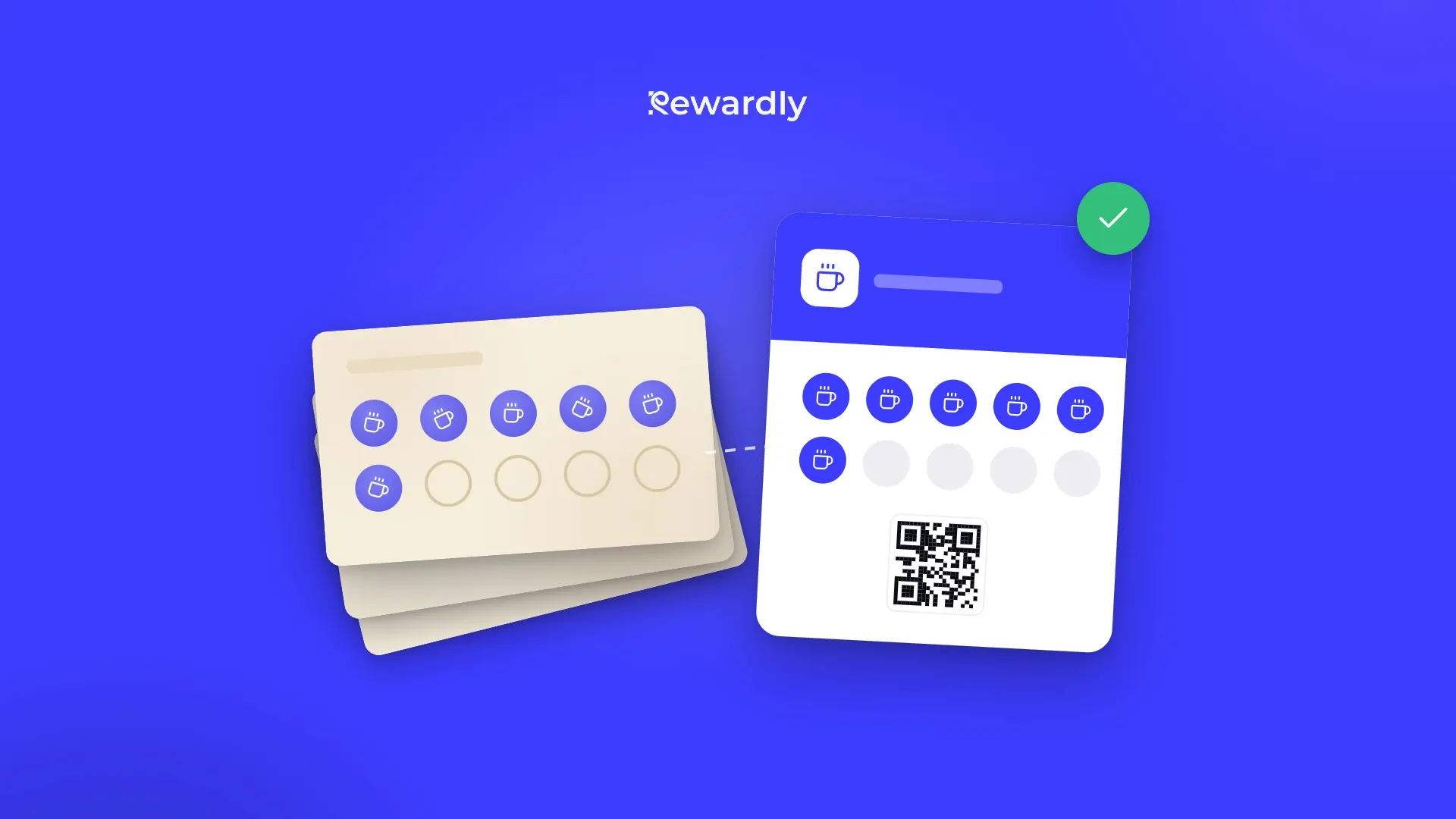
The biggest worry about switching from paper loyalty cards is simple: your regulars have half full cards in their wallets and do not want to lose them. The fix is just as simple. Run paper and phone side by side until a fixed date and honour the old cards fairly. Whether a digital card is worth it at all is covered in paper card vs digital: which one wins. Here we deal only with the switch itself.
Week 1: launch and announce
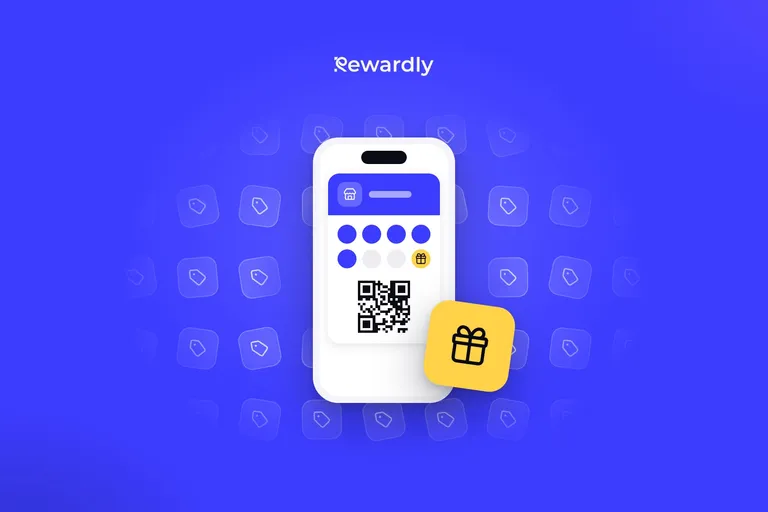
Launch the digital card and stop handing out new paper cards the same day. Every new customer starts straight on the phone. They scan a QR code at the till, fill in a short form and add the card, with no app. Rewardly says it takes 10 seconds, and the card is saved to Apple Wallet or Google Wallet.
At the same time, pick a switchover date, ideally about three weeks after launch, and put it on a poster. Staff then do not have to explain it, and customers see it every time they pay.
Poster text in three lines:
Our loyalty card now lives on your phone.
Scan the QR code and add it to your wallet.
We stamp paper cards until 30 Nov and honour full ones until the end of the year.
Adjust the dates to suit you, of course.

Weeks 2 and 3: both cards at once
Anyone with a partly filled paper card keeps getting stamps on it and collects on the phone as well. Yes, a few customers will get their reward a little sooner. That is a small price for nobody feeling they lost out, and for your most loyal customers being the ones who add the digital card.
Staff need a single sentence to say whenever a paper card comes out:
I'll stamp your card, and you've got the stamp on your phone too. Just scan this code.
That sentence does most of the work. The customer has nothing to decide, they just scan the code and leave with both stamps. For more on how adding the card at the counter should look, read one tap loyalty onboarding.
Switchover day: what to do with a full loyalty card
From the date on the poster, you stamp digitally only. Keep honouring full paper cards for a few more weeks, though, for example until the end of the year. A customer who finds a full card in a drawer in February should not leave annoyed. In that case it is better to simply hand over the reward than to argue about dates.
If someone comes in with a card missing the last stamp or two, let staff decide in the customer's favour. A "when in doubt, honour it" rule costs you a few coffees and saves you bad reviews.
What to set up before launch
The digital card should follow the same rule as the paper one, so customers do not feel things got worse. If you gave a stamp for every coffee, keep it that way. If you are thinking of changing it, first read whether to give a stamp per visit or per product, and make the change after the switch, not during it.
Launch your digital card in 2 minutes, for €0
No upfront payment and no app for your customers.