Switching to Rewardly from paper cards or another app: what comes with you
Switching from another loyalty app or paper cards? What moves over to Rewardly, how to carry stamps and points across, and what stays with your old system.
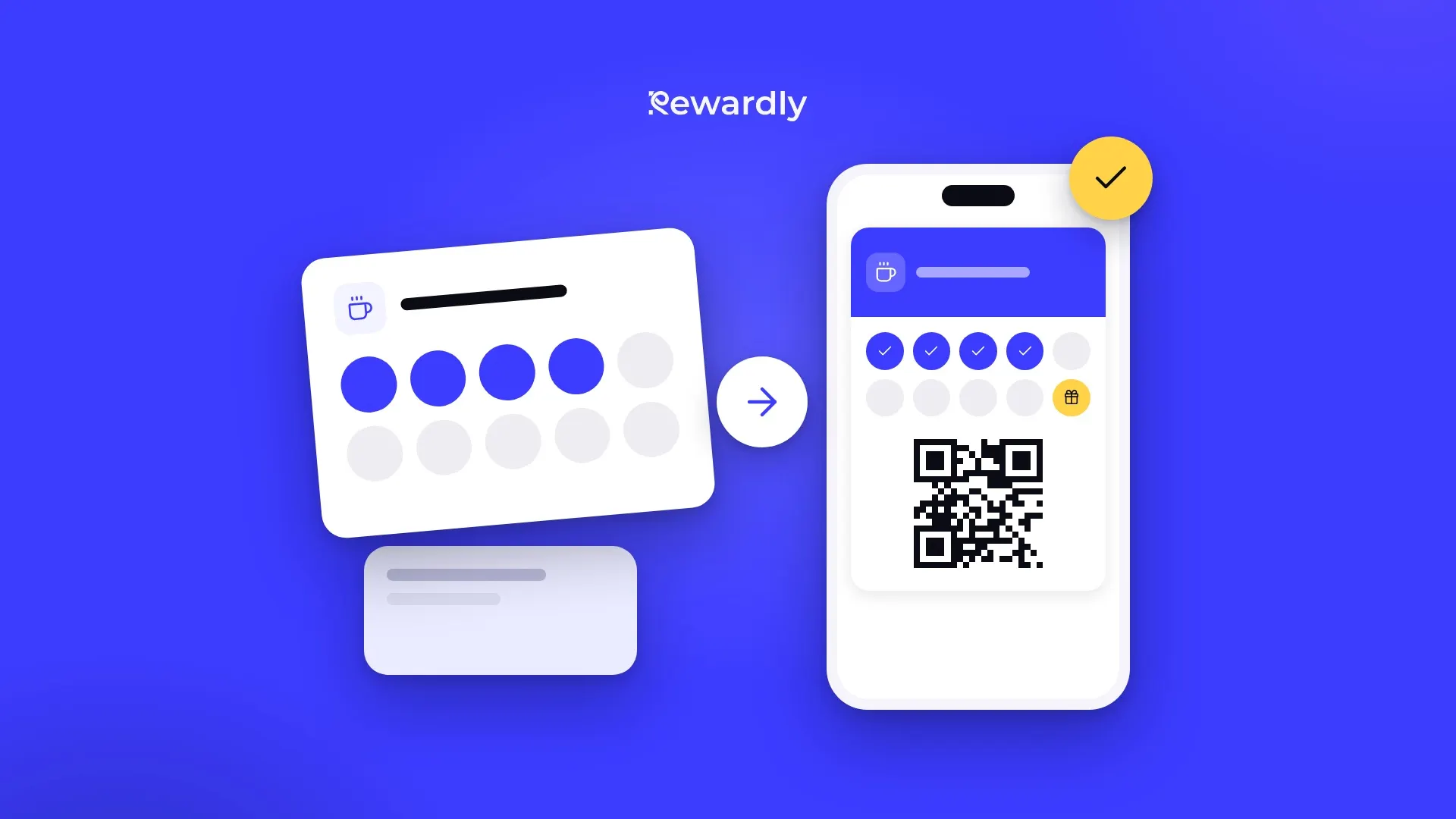
Anyone changing loyalty systems has one main worry: will I lose my regulars and the stamps they have already collected? The short answer is no, as long as you switch in the right order. Your customers and their progress come with you. You move them by hand, though, because there is no self service import yet.
This article covers what moves over, how, and what stays behind. If you are moving from paper cards and mostly need a way to explain it to customers, the full three week plan is in How to switch from paper loyalty cards to digital without complaints.
What comes with you, and how
Your rules and reward
You set these up again, and your first card takes about 2 minutes. You pick the card type, add your logo and colours, set the reward and publish.
One tip that saves a lot of explaining: use the same number of stamps and the same reward as your old card. Customers then have nothing to work out. You can choose anything from 2 to 30 stamps.
Stamps in progress
The easiest place to move them is the till. A customer with an old card scans your QR code and adds the Rewardly card to Apple Wallet or Google Wallet, which takes about 10 seconds. Your staff then scan the card in the scanner, tap One stamp more until it shows as many stamps as the old card had, and confirm them all with a single tap. Remember to count today's visit too.
Points and credit
For points cards it is better to move the balance in the dashboard than at the counter. Open the customer's detail page, click Adjust balances and enter the current value. The change is recorded as a transaction, so you can find it later, and the card in the customer's wallet updates by itself. In the reason field, write something like "moved from old card".
Watch the conversion. In Rewardly, points come from the purchase amount, from 1 to 50 points per euro. If your old app gave points differently, set the rate so a reward costs the customer as much shopping as it did before, or convert the balances when you move them.
Your customers
Each customer adds the card themselves, through your QR code or link. They fill in a short form where only their first name and email are required. You can also add customers by hand in the dashboard and adjust their balance.
Have your customers' email addresses? Send them the card by email. The customer gets a link and adds the card to Apple Wallet or Google Wallet straight from their phone, without coming in. It is the fastest way to get the new card to your regulars before the switch date. You then set the balance from their old card in the dashboard. Only send the invite to people who agreed to receive messages from you.
If you are moving a large customer base from another system, write to support and we will see how we can help.
What stays behind
To be honest about what does not move:
- Old app cards on customers' phones. Your previous provider issued them, and Rewardly cannot take them over or change them. Customers add the new card and can delete the old one.
- Visit history. Rewardly analytics start with the first scan. Keep the old numbers in an export from your previous system.
- Contacts without consent. You can only use email addresses from the old app to invite people if they agreed to receive messages from you. Otherwise, invite them at the till.
Moving from another app, step by step
- Export your data from the old app before you cancel it. You will need the customer list and the balances during the move, and after cancelling you often lose access.
- Create your card in Rewardly with the same reward and the same number of stamps.
- Pick a switch date and from then on give new customers only the Rewardly card.
- Run both cards side by side for a few weeks. Keep honouring the old cards while your regulars move over.
- Announce it where customers see you: the QR code at the till, on the tables, on Instagram and on your website. Send the card by email to customers whose address you have. If your old app lets you send a message, use it to share the link to the new card.
- Move balances on the first visit with the scanner, and points or credit in the dashboard.
- Cancel the old app only after the switch date, once most of your regulars have the new card.
At the counter, your staff need just one line: "Add our new card to your phone and I'll move your stamps over right now."
If your loyalty program lived in your POS
If you use Papaya POS, Storyous, Portos or Dotykačka, Rewardly connects with them on the Advanced plan and higher. The cashier scans the customer's card as part of the sale, and stamps or points are added automatically from the receipt. Balances from your POS loyalty feature do not move over by themselves, though, so move them the same way as from any other app. If you use a different POS, your staff use the Rewardly scanner, which runs in the browser on a phone, tablet or computer.
See all connections on the integrations page.
And if you ever want to leave us
It is a fair question to ask. You can export your customer list to a CSV file from the dashboard at any time, along with any analytics view. Your customer data belongs to you, and Rewardly processes it on your behalf and never sells it. If you cancel, your customers' cards stay in their wallets for another 30 days. Export everything you want to keep before the end of the period you have paid for, because the dashboard is not available after that.
Move your regulars to a card on their phone. Try Rewardly for €0
No upfront payment, 14 days free.