Cashback loyalty program for small business: how it works, when it beats stamps
How a cashback loyalty card works, when it beats stamps or points, what percentage your margin can carry and a seven step plan to launch one this afternoon.

A cashback loyalty program gives customers a percentage of every purchase back as credit, which they spend on a later visit. "5% back on everything" is one of the easiest promises a small business can make, and customers understand it without reading any rules. But cashback is not right for everyone: it costs margin on every sale, it needs the purchase amount, and it only works if staff can take the credit off the bill in seconds. This guide explains how a cashback card works, how it compares with stamps and points, what rate your margins can carry and how to launch one.
The short answer
Choose a cashback card when your customers spend different amounts each visit (a shop, a bakery with a full counter, a salon with varied services, a restaurant) and you want one sentence everyone understands: "5% back". Start at 5%, check that it costs you less than the extra visits it brings, and make sure staff can spend the credit at the till. If every customer buys roughly the same thing every time, a stamp card is simpler and cheaper.
What is a cashback loyalty card?
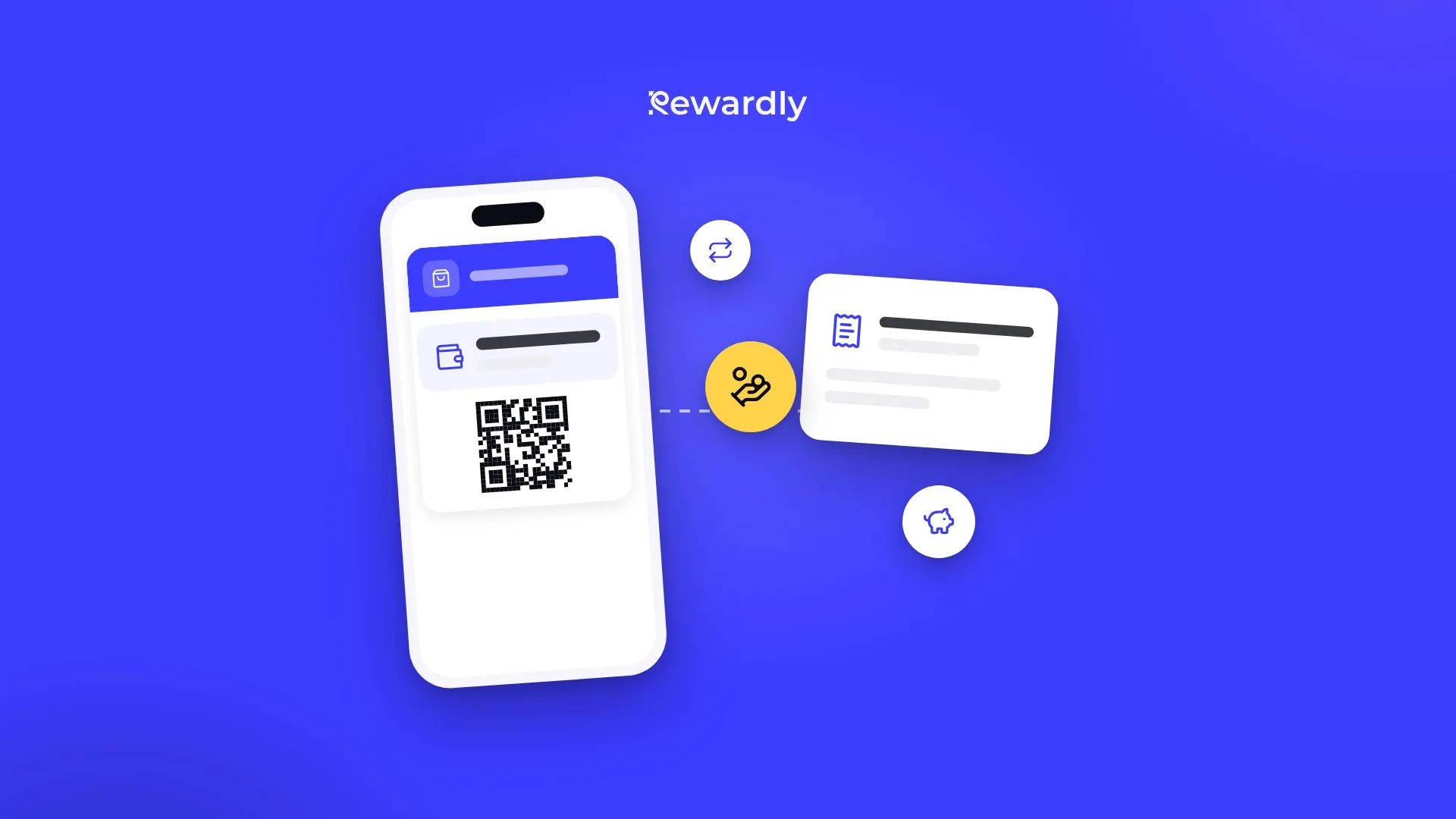
It is a loyalty card that stores money instead of stamps or points. After each purchase a percentage of the amount is added to the card as a euro balance. At a later visit the customer spends that balance like money: €2 of credit takes €2 off the bill.
In Rewardly the card lives in Apple Wallet or Google Wallet, so the customer scans a QR code, fills in a short form and saves the card in about 10 seconds, without downloading an app. The balance on the card updates after every purchase.
You can set the card up in two ways:
- One percentage for everyone, from 1% to 50%. The default is 5%.
- Levels: two to five of them, where the percentage grows as the customer's total spend with you reaches the next level. For example 3% to start, 5% after a certain total, 7% after a higher one. The customer moves up on their own.
Cashback cards are included in every Rewardly plan, Basic included.
Cashback, stamps, points or a discount: which fits your business?
All four reward loyalty, but they reward different things and suit different businesses.
Card | What the customer gets | Needs the purchase amount | Best for |
|---|---|---|---|
Stamp card | A reward after a number of visits or products | No | Similar purchases: coffee, lunch, haircut |
Points card | Points per euro, exchanged for rewards you choose | Yes | Varied spend plus a reward menu |
Cashback card | A percentage back as credit, spent like money | Yes | Varied spend, simple message |
Discount or VIP card | A lower price on every visit, sometimes by level | Visits or spend | A closed group of best customers |
Cashback or stamps?
A stamp card ignores how much someone spends: a €3 coffee and a €30 order both earn one stamp. That is fine, even ideal, when purchases are similar. When they vary a lot, stamps reward the small spender as much as the big one, and cashback is fairer. Not sure how many stamps you would need? How many stamps on a loyalty card has the calculation.
Cashback or points?
Both follow the amount spent. Points are exchanged for rewards you define, such as a free dessert or a product from your shelf, which lets you choose rewards that cost you little but feel valuable. Cashback returns money that the customer can spend on anything. Points need a reward menu and a little explaining; cashback needs no explaining at all. If you like the idea of rewards with a high perceived value and a low cost, read loyalty reward ideas before deciding.
Cashback or a discount?
A discount card lowers the price on the spot, every time. Cashback gives the value back only when the customer returns, which is the whole point of a loyalty program: the reward pulls them back. A discount rewards the visit you already have; cashback rewards the next one.
For a broader comparison of every card type, see which loyalty program is right for your business.
How does a cashback card work for the customer?
- Join. They scan the QR code at your counter or open your link, fill in a short form and add the card to Apple Wallet (iPhone) or Google Wallet (Android).
- Earn. At each purchase staff scan the card. The percentage you chose is added to the card as credit, and the new balance shows on the card.
- Spend. At a later visit they ask to use the credit, or staff offer it. The credit comes off the bill, and whatever is left stays on the card.
- Repeat. They keep earning on their next purchases, and the balance grows again.
The card updates on its own after each visit. If the customer's phone is offline at that moment, the card catches up once it is back online.
How does it work for you and your staff?
Cashback needs the purchase amount, and the amount can reach Rewardly in two ways.
Without a till connection
Staff use the Rewardly app on a phone or tablet, or the web scanner in a browser. They scan the card, type the purchase amount, and the credit is added. To spend credit, they scan the card, enter how much credit to take off and see the balance that remains; the scanner warns them if the customer asks for more than the balance. The phone or tablet needs an internet connection.
With a connected till
With Papaya POS, Storyous, Portos or Dotykačka the amount comes from the till, so nobody types anything. How credit is spent differs by till:
- Storyous: after the card is scanned, the credit is filled in on the bill and the waiter can lower or remove it.
- Papaya POS: by default the till spends all available credit up to the bill amount, and the rest stays on the card. You can switch that off so credit is used only when the cashier rings up a product you choose.
- Portos and Dotykačka: credit works differently; Rewardly POS integrations compared explains each one.
POS integrations come with the Advanced plan and higher. Two limits apply on every till: credit cannot be topped up at the till, and staff cannot create a new member at the till, so the customer joins through the QR code first. If Rewardly does not respond for a moment, the till is never blocked; you close the bill as usual.
What cashback rate can you afford?
This is the question that decides whether cashback makes you money. The rate is a share of revenue, but you pay it out of your margin, so compare it with what is left of a sale after your costs.
The rule of thumb: divide the cashback rate by the share of the bill you keep after costs. If you keep 50% of each sale, 5% cashback gives away 10% of your margin. If you keep 70%, it gives away about 7%.
Then ask how many extra visits cover that cost. An illustration, with round numbers: a bakery customer spends €10 a visit, four times a month. At 5% they earn €2 of credit a month. If the bakery keeps €5 of every €10 sale, one extra visit a month (worth €5 after costs) more than pays for the €2. The program pays off as long as cashback brings roughly one extra visit for every two or three months of credit earned. Your own numbers will differ; the ROI calculator does this for your business.
Some points to keep in mind:
- Not all credit gets spent. Some customers forget or move away, which lowers the real cost. Do not plan on it, but it is a cushion.
- Start low. It is easy to raise the rate later as a promotion and awkward to lower it. 3% to 5% suits most small businesses.
- Levels reward your best customers. If a small group of regulars brings most of your revenue, levels let you give them more without paying a higher rate to everyone.
Does a cashback program actually bring customers back?
Businesses using Rewardly see about +30% repeat visits. Cashback works for a simple reason: credit on a card feels like money already in the customer's pocket, and it can only be spent with you. A customer who has €4 on your card has a reason to choose you over the shop next door.
It works best when the credit is visible and easy to use:
- The balance is on the phone. The card in the wallet shows the credit, so customers see it every time they open it.
- Staff mention it at payment. "You have €4 of credit, shall we use it?" is the sentence that turns a balance into a visit.
- Messages remind people. With push messages (Advanced plan and higher) you can remind customers that their credit is waiting. Rewardly measures about a 90% read rate on these messages, and there is no limit on how many you send. Push notifications for local businesses covers what to send and how often.
Check two numbers on your dashboard every month: credit earned and credit spent. The program card shows both. If a lot is earned and little is spent, staff are not offering it at payment. 5 loyalty program numbers to check every month lists the rest.
Which businesses suit cashback best?
- Shops and delis where one customer buys a single item and the next a full basket. "5% back on everything" is easy to put on a sign.
- Bakeries with a varied counter. A daily coffee and roll suits stamps, but if customers also buy cakes and bread for the family, cashback rewards the bigger baskets. Bakery loyalty program compares both.
- Restaurants where the bill ranges from a coffee to a family dinner. The details, including the margin calculation for a restaurant, are in how to set up a cashback card in a restaurant.
- Salons and services with different prices for different treatments, where a fixed reward would be too generous for some and too small for others.
Cashback suits less well where everyone pays the same price (a set lunch, a standard haircut) or where you have a cheap product with a high perceived value to give away: stamps or points fit better there.
How do you launch a cashback card? A plan for one afternoon
Step 1: Choose the rate
Work out the share of a sale you keep after costs, divide your planned rate by it and decide what you can carry. Start at 5% or lower. Decide whether you want one rate or levels.
Step 2: Create and design the card
In the Rewardly dashboard pick the cashback card type, add your logo and colours and set the rate. A first card takes about 2 minutes. How to design a loyalty card for Apple Wallet and Google Wallet has practical design rules.
Step 3: Decide how the amount gets in
If you have Papaya POS, Storyous, Portos or Dotykačka, connect it (Advanced plan and higher) so the amount and the credit flow through the till; the integrations page shows how. Otherwise staff type the amount in the Rewardly app or the web scanner.
Step 4: Put the QR code where people pay
At the till, on the bill folder, on the shelf edge and in the window. Write the promise in one line next to it: "5% back on every purchase. Scan to join."
Step 5: Give staff two sentences
One to sign customers up: "Would you like 5% of today's purchase back as credit? Scan here, it takes ten seconds." One to spend credit: "You have €4 of credit on your card. Shall we take it off?"
Step 6: Test it yourself
Join with your own phone, make a purchase and check that the credit appears. On the next visit spend it and check the bill, the receipt and the remaining balance.
Step 7: Review after a month
Look at members, credit earned and credit spent. If spending is low, train staff again before changing the rate.
If you are starting a trial, your 14 day Rewardly trial turns these steps into a checklist, and how it works shows the setup screen by screen.
What does a cashback card cost to run?
Two costs: the credit you give back, which you control through the rate, and the software. Rewardly starts from €29.90 per location per month (excluding VAT), with no commission on sales and no fee per message. Cashback cards are in every plan; POS integrations and push messages come with the Advanced plan and higher. Paying yearly gives two months free. Every plan starts with a 14 day free trial; a payment card is needed to start it and nothing is charged until it ends. The pricing page has the current prices and the full feature list.
Common mistakes with cashback programs
- Starting too high. 10% sounds generous on a poster but can eat a large share of your margin. Lowering a rate later disappoints the regulars you wanted to keep.
- Credit that is hard to spend. If staff have to search for the balance or do not know how to take it off, they stop offering it, and customers stop caring.
- Nobody mentions the balance. Credit that sits unseen on a card brings nobody back. Staff and the occasional message should point to it.
- Using cashback where stamps fit better. If everyone buys the same €3 coffee, "a free coffee after nine" is clearer and costs you less than 5% back.
- Not checking earned against spent. Without these two numbers you cannot tell whether the program works or only costs money.
FAQ
How does a cashback loyalty card work?
The customer saves the card in Apple Wallet or Google Wallet. After each purchase a percentage of the amount is added to the card as credit, and on a later visit the credit comes off the bill like money.
What is a good cashback percentage for a small business?
Most small businesses start between 3% and 5%. Divide the rate by the share of a sale you keep after costs: that is the share of your margin you give back. Start low; raising the rate later is easier than lowering it.
Can customers get a higher percentage the more they spend?
Yes. Instead of one rate you can set two to five levels, and the percentage grows as the customer's total spend reaches each level. Customers move up on their own.
Do I need a connected till for cashback?
No. Staff can type the purchase amount and take credit off in the Rewardly app or the web scanner. A connected till (Papaya POS, Storyous, Portos or Dotykačka, Advanced plan and higher) adds the amount automatically.
Can customers top up their cashback card with money?
No. Credit on a cashback card comes only from purchases. It cannot be topped up at the till. If you want customers to pay in advance, look at gift vouchers or passes instead.
Is cashback included in every Rewardly plan?
Yes. Cashback cards are included from the Basic plan. POS integrations and push messages need the Advanced plan or higher.
Launch your cashback card this afternoon. Try Rewardly for €0
No upfront payment, cancel anytime.