How to remove a Google review: what Google deletes and how to report it
You cannot delete a Google review yourself. See which reviews Google removes, how to report one from your Business Profile, check the status and appeal.

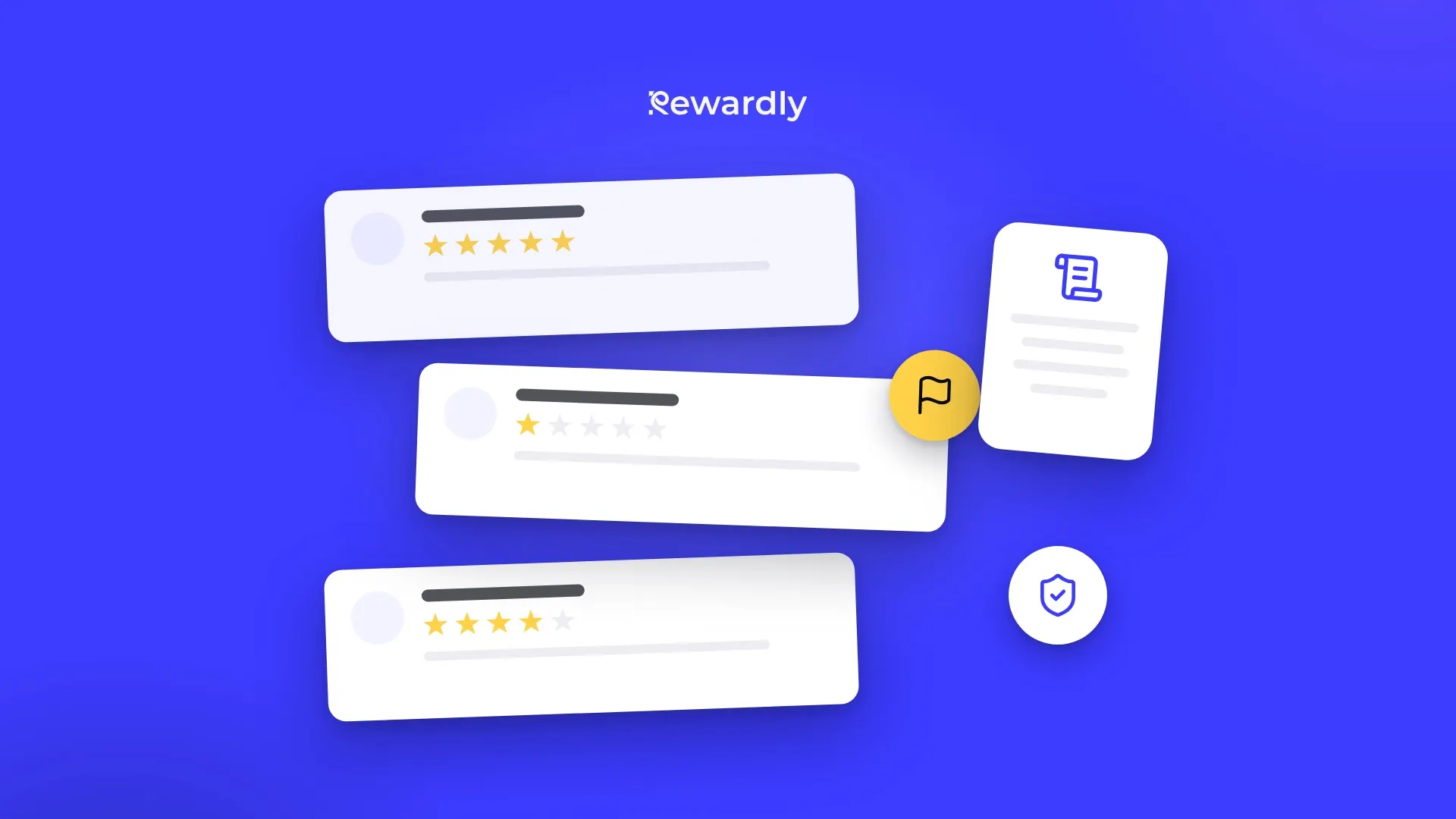
An unfair, fake or abusive Google review is painful, and the first question is always the same: can I just delete it? You cannot. Only reviews that break Google's policies are eligible for removal, and Google decides. This guide shows which reviews qualify, how to report one from your Business Profile, how to check the status and appeal, and what to do with the reviews Google will not remove, so one bad rating stops weighing so much.
The short answer
You cannot delete a Google review yourself. If it breaks Google's content policy, report it from your Business Profile and check the result in the Reviews Management Tool. If it is only a harsh but genuine opinion, reply calmly and collect more reviews from your regulars. Google says not to report a review just because you disagree with it or dislike it.
Can you delete a Google review from your own business?
No. Google's help pages for business owners describe two things you can do with a review: reply to it, and report it for removal. They do not offer a delete button for reviews written by customers. In Google's words, only reviews that violate its policies are eligible for removal, and the decision is Google's.
This matters for how you plan. A review that is rude, unfair or wrong about the facts is not automatically against the policy. A review that is fake, off topic or abusive may be. Your job is to tell the two apart before you spend time on a report.
Which reviews does Google remove?
Google lists what is not allowed in its "Prohibited and restricted content" policy for Maps user contributed content. The categories most relevant for a café, restaurant or salon:
- Fake engagement and rating manipulation. Reviews not based on a real visit, paid or incentivised reviews, several accounts controlled by one person, and reviews affected by a conflict of interest. A competitor or an ex employee writing a bad review is the classic case.
- Off topic. Content not based on an experience at your place, such as political or social commentary or a personal rant.
- Harassment. Threats, doxxing, or content that sexualises a person.
- Hate speech. Calls for violence against protected groups, or content that dehumanises them.
- Offensive content. Attacks on individuals or groups, and unsubstantiated accusations of wrongdoing.
- Personal information. Someone's personal details shared without consent. A staff member's full name and photo can fall here.
- Obscenity and profanity. Swearing used to offend or to emphasise criticism.
- Advertising and solicitation. Promotions, contact details or links in a review.
- Repetitive content. The same text posted again and again, from one account or several.
- Impersonation and misrepresentation. Posing as someone else, or misleading descriptions and scams.
The policy has more categories, such as sexually explicit, violent and dangerous content. Read the full list on Google's policy page before you report.
What is not on the list: a bad experience described honestly. "The coffee was cold and nobody apologised" is a genuine review, even if you remember the visit differently.
How do you report a review?
There are two routes on Google's help page for reporting reviews.
From your Business Profile
- Open your Business Profile and select Read reviews.
- Next to the review, select Report.
- Choose the reason that fits, for example Spam or Profanity.
- Select Send report.
From the Reviews Management Tool
- Open the Reviews Management Tool and confirm the account linked to your Business Profile.
- Select your business, then Report a new review for removal.
- Next to the review, select Report, choose a reason in the new tab and select Submit.
Pick the reason honestly. A review that is rude but about a real visit does not become spam because you choose that label.
If a reviewer's whole profile looks wrong, Google also describes reporting the profile from the Google Maps app: open your business, then Reviews, tap the reviewer's name, tap More, then Report.
How do you check the status, and what if Google says no?
Go back to the Reviews Management Tool and open the option to check a review you reported earlier. Google shows one of these statuses:
- Decision pending. Flagged and not yet evaluated.
- Report reviewed, no policy violation. Google found no violation. You can submit a one time appeal.
- Escalated, check your email for updates. The appeal was escalated and a final decision comes by email.
Google says evaluation typically takes several days, and gives no firmer promise, so do not plan around a date.
To appeal, open the Reviews Management Tool, choose the option to check the status and appeal options, select Appeal eligible reviews, pick the review (up to 10 at once), and submit the form. If the review violates policy after the appeal, it is removed. If it complies, it stays live. That is the end of the route, so write the appeal with the specific policy in mind, not with how unfair the review feels.
Two more cases Google covers on that page. If someone threatens you with a negative review unless you pay, Google has a separate guide for reporting that extortion. And if Google's spam detection removes a genuine review on your profile, contact Google support.
What about a legal removal request?
If the review breaks a law rather than only Google's content policy, Google has a separate legal removal form where you choose the product and the reason, and policy and legal reports must be filed separately. This is not legal advice; ask a lawyer before you rely on it.
What do you do with a negative review that stays?
Many unfair reviews stay, because a harsh but honest opinion is allowed. Then your reply is the part everyone reads. Google notifies the reviewer when you reply, and the reviewer can still edit the review afterwards, so a calm, specific answer can even change the rating.
Keep it short: thank them, own what is true, offer to put it right and take the detail offline. How to respond to Google reviews, even the bad ones has 15 examples you can copy. If the complaint is about a real problem in the room, handling customer complaints in a restaurant covers fixing it before it reaches Google.
Never offer a reward, discount or free item in exchange for a changed or deleted review. Google's policy bans paid and incentivised reviews and removes them.
How do you make one bad review matter less?
A single one star review hurts most when you have a handful of reviews. With a few hundred genuine ones it is a blip. The long term fix is a steady flow of honest reviews from the people who already like you: your regulars.
- Ask every customer. Ask after a visit, whoever the customer is. Asking only the satisfied ones is against Google's policy: its content policy bans businesses that selectively solicit positive reviews. How to get Google reviews from your regulars shows the wording.
- Make it one tap. Put a Google review QR code on the counter, the receipt or the table.
- Automate the ask. Rewardly can send an automatic review request.
- Keep the rest of your listing strong. Reviews are one part of how you show up on the map; how to rank higher on Google Maps covers the others.
Regulars are also the customers you can reach again. A digital loyalty program keeps your card on their phone, so you have a way to stay in touch with them. This works for a café, a restaurant and a salon alike.
Common mistakes when trying to remove a review
- Reporting because it hurts. Disagreement is not a policy reason, and Google says so.
- Arguing in public. A defensive reply is read by every future customer.
- Asking the reviewer to delete it in exchange for something. It can turn one problem into two.
- Reporting the same review again and again. Use the appeal once, with a clear reason.
- Doing nothing else. Whether Google removes the review or not, the real fix is more genuine reviews.
FAQ
Can I delete a review myself?
No. Even a review you are sure is fake stays until Google decides, and the appeal is a one time step: up to 10 reviews at once.
Should I reply before Google decides?
Yes. You do not have to wait for the report result, and the reviewer is notified when you reply. A calm answer helps whichever way Google decides.
Can Rewardly remove a Google review?
No. Only Google can remove a review.
Get more genuine reviews from your regulars. Try Rewardly for €0
No upfront payment, cancel anytime.