
How to get Google reviews from your regulars
How to get more Google reviews: when to ask, where to get your link, two ready to use messages, replying to bad reviews and why not to offer rewards.
If you want more Google reviews, ask on the same day the customer visited and send one link that takes them straight to the review form. Do not forget your regulars, who know you best and have the most to say. And one rule has no exceptions: never give anything in return for a review.
Why regulars
A new customer has been in once and does not have much to say yet. A regular knows your coffee, your staff and how you handled that order that went wrong. Those are exactly the reviews that help other people decide. Yet we take regulars for granted, and often nobody ever asks them for a review.
Watch out for one thing: ask everyone the same way. Google's policies prohibit discouraging negative reviews or selectively asking only for positive ones. So do not send the link only to the people you know are happy.
When to ask
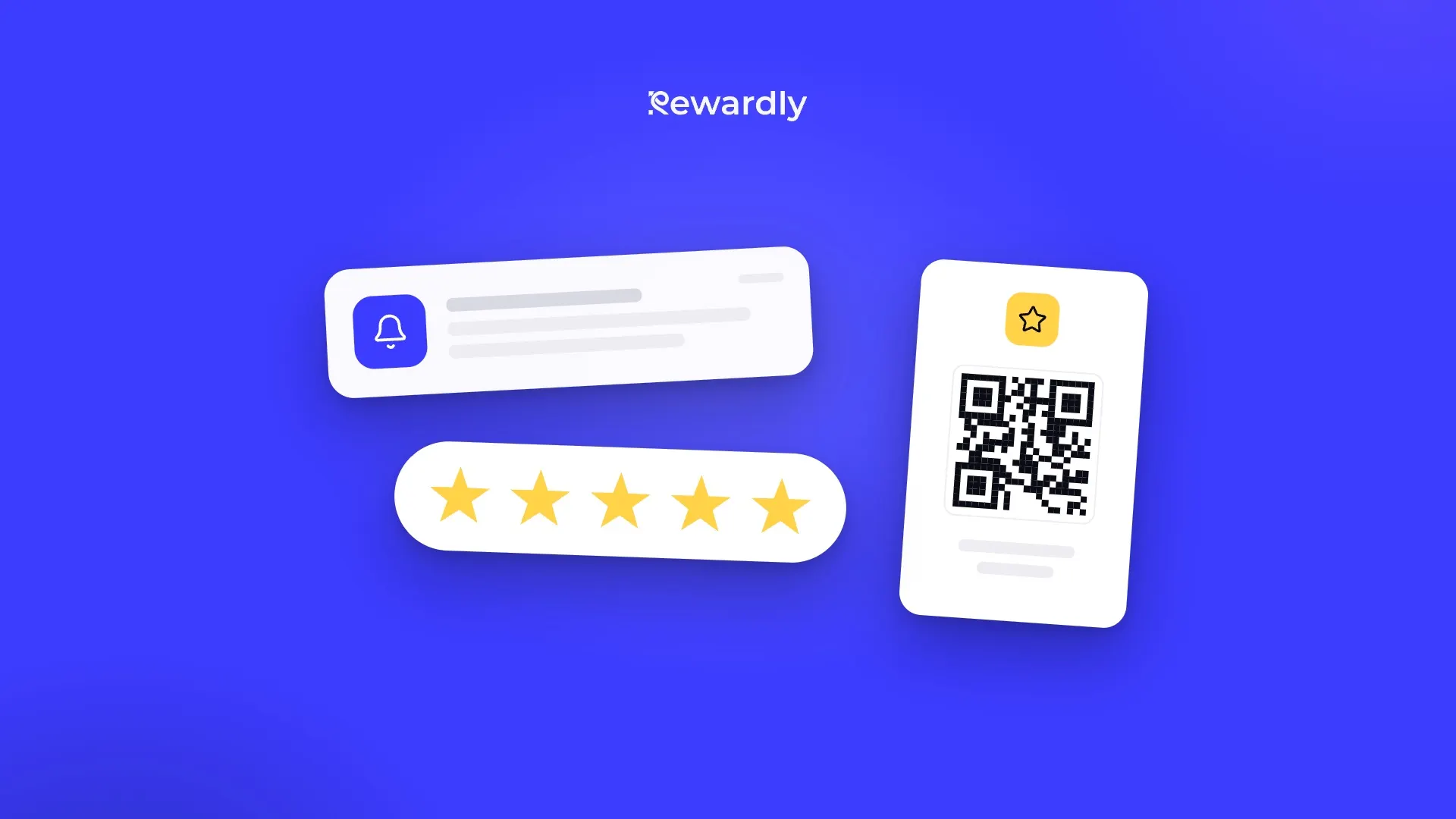
On the same day, while the visit is fresh. On the evening after lunch, a customer still remembers the dessert; a week later, only that it was "pretty good". Rewardly can automatically send a review request after a visit, as a notification to the phone of a customer who has your loyalty card.
Where to get a direct link to your Google reviews
In your Google Business Profile, open Read reviews and choose Get more reviews. There you can copy the link or download a QR code for your counter. According to Google, the QR code can currently only be created in a desktop browser, not on a phone.
Two ready to use messages
Short, after a visit:
Thanks for coming in today! If you have a minute, we'd love a few words on Google: [link]
For regulars:
You come in often and we really appreciate it. Would you help more people find us? [link]
How to reply to reviews
Keep replies short, polite and specific. Address the person, respond to what they wrote, and do not paste the same thank you line every time. A reply is not the place for ads or special offers.
For a bad review, three sentences are enough. For example:
Thank you for letting us know, and we're sorry you waited so long for your coffee. We were a person short on Saturday morning and have already changed the rota. If you stop by again, we'd love to show you we can do better.
Never publish a customer's personal details and never argue. If you made a mistake, own it.
What not to do: rewards for reviews
Google explicitly prohibits offering money, discounts, or free goods or services in exchange for a review, for changing one, or for removing a negative review. It treats such reviews as rating manipulation and removes them from Maps. So no stamp, no discount and no coffee for a review, not even "just this once".
Reviews and your loyalty program do not compete. The program brings customers back, and reviews help new people find you the first time. To see how other automations fit together, read automated retention campaigns that sell, and for why looking after regulars pays off, see customer retention that increases revenue.
Set up automatic review requests, try Rewardly for €0
Live in 2 minutes, with no upfront payment.
Sources
- Google, Maps user contributed content policy (Fake engagement, Rating manipulation): https://support.google.com/contributionpolicy/answer/7400114?hl=en
- Google, Create a Google link or QR code to request reviews: https://support.google.com/business/answer/16816815?hl=en
- Google Business Profile Help on reviews (ban on incentives, tips on replying): https://support.google.com/business/answer/3474122?hl=en