How to respond to Google reviews, even the bad ones: 15 examples to copy
How to respond to Google reviews: what Google advises, how fast to reply and 15 example replies to praise and complaints, including how to report a fake review.

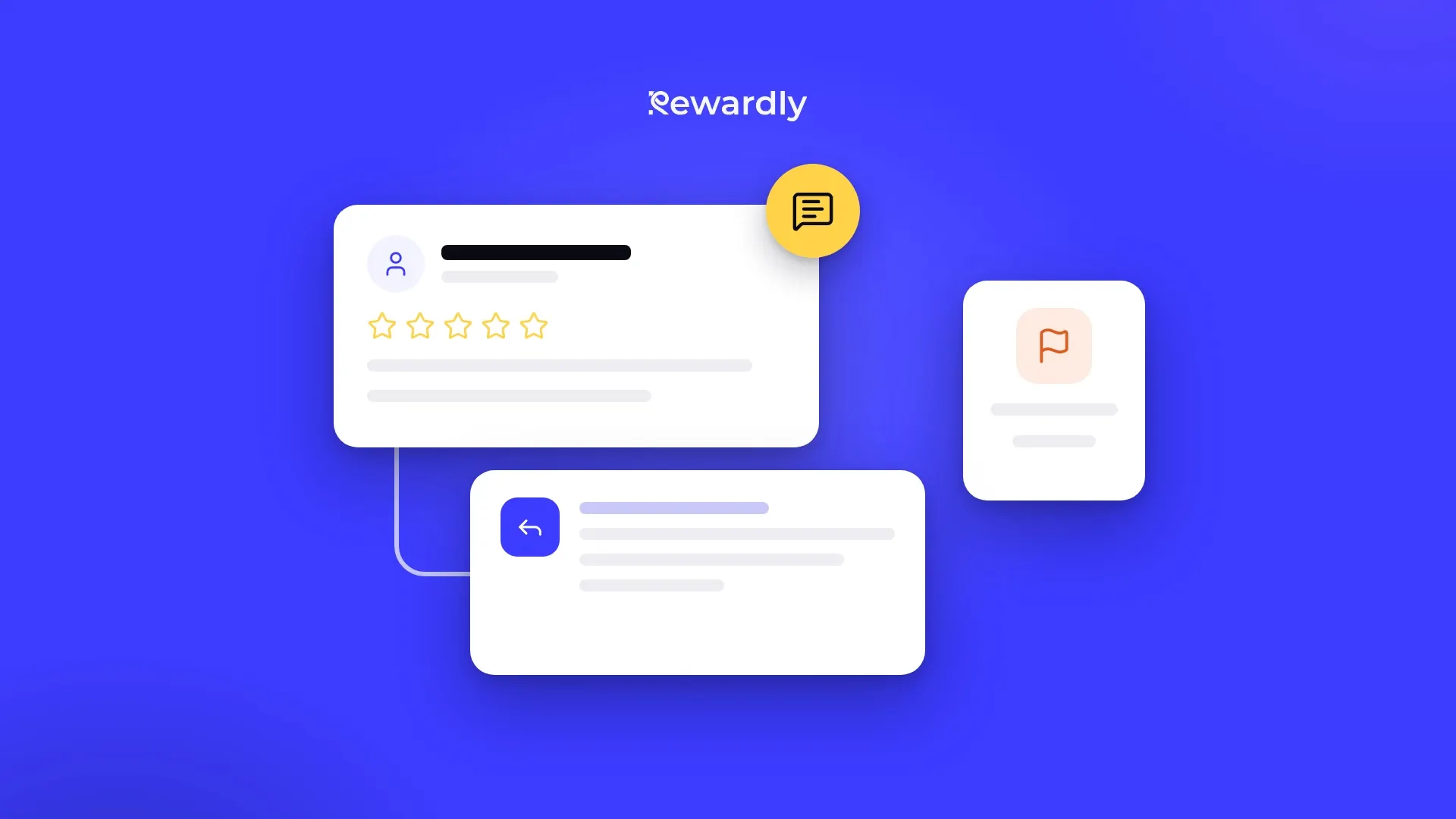
How do you respond to Google reviews? Keep it short, polite and personal: use the reviewer's name, thank them, reply to one specific thing they wrote, and for criticism say what you are doing about it. Move anything complicated to a phone call or email. Never share private details, never argue, and never offer anything for changing a review.
Below: what Google advises, how fast to respond, and 15 ready replies for a café, restaurant, bakery or salon (5 for praise, 4 mixed, 6 for complaints, including a fake review).
What a good review response looks like
Good reply = name + thanks + one specific detail + what you will do + sign off.
- Name: the name the reviewer shows on the review. Google recommends it explicitly.
- Thanks: for criticism too. The person took the time.
- One specific detail: repeat something from the review, so it is clear the reply is not copied and pasted.
- What you will do: for praise, one line on what to look forward to next time. For criticism, what you changed, or a way to reach you.
- Sign off: the first name of the owner or manager reads as a real person.
Three to five sentences are enough. Google notes that customers value direct and honest replies, and a long reply easily loses the reader.
What Google recommends for review replies
The Google Business Profile Help Center advises:
- Be professional and polite. Replies must follow Google's content policies, or they are not approved.
- Keep it short and do not send everyone the same thank you.
- Do not offer deals or discounts in a reply. The reviewer is already your customer. Mention a detail that gives them a reason to come back instead.
- Never share a reviewer's private information and never attack them personally.
- Take complex issues offline: ask the reviewer to call or email you.
- Admit mistakes when they happened, but do not take responsibility for things outside your control. A genuine apology rebuilds trust.
- Respond promptly. It shows you value the feedback.
You can reply only after your business is verified. In your profile, open Read reviews and choose Reply. Google checks every reply before it goes live, usually within 10 minutes, sometimes up to 30 days. The reviewer is notified, and the reply shows under the review as a reply from your business, not under your personal name. The reviewer can still edit their review afterwards.
How fast should you respond to a review?
Google sets no deadline, it only says promptly. A rule that works in practice: complaints within 24 hours, praise within a few days. Speed matters most for complaints, because people deciding whether to visit read your reply.
Set a fixed slot, for example ten minutes every morning, and agree who owns reviews so two people never answer the same one.
Never reply while angry: write a draft, wait an hour, then reread it as a new customer.
How to respond to positive reviews: 5 examples
Replace the parts in square brackets. Change at least one sentence each time so your replies do not all look the same.
1. A star rating with no text
Thank you, [name], for the five stars. We look forward to seeing you again, the croissants are fresh every morning. [Sign off]
2. Praise for a dish or a service
[Name], thank you for noticing our [apple cake]. We bake it every morning from our chef's family recipe, so we will happily pass that on. A pumpkin version joins it in autumn. [Sign off]
3. Praise for a team member
Thank you for the kind words, [name]. We read them to [Kate] straight away and they made her day. See you next time. [Sign off]
Use a staff member's name only if they are happy with it.
4. A regular
[Name], you are almost part of the place and we really appreciate it. Thank you for taking the time to write. Your usual [oat milk flat white] will be ready next time too. [Sign off]
5. A first visit
Thank you, [name], for giving us a try and for the lovely review. If you come back, try our [lunch plate] as well, it changes every week. [Sign off]
How to respond to mixed reviews: 4 examples
Three or four stars with one complaint are the most useful reviews. Thank them, answer the complaint plainly and promise only what you can deliver.
6. Good food, slow service
Thank you, [name], for the kind words about the [soup] and for being honest. You are right, we were slower than we want to be at Friday lunch. From next week there is one more person on the floor at lunchtime. [Sign off]
7. Lovely place, the taste did not land
Thank you for visiting and for what you said about our terrace, [name]. We are sorry the [tiramisu] was not for you. We passed it on to the kitchen, and next time we will gladly help you choose. [Sign off]
8. Happy, but expensive
[Name], thank you for the review. We understand price matters. We bake with butter and flour from a local mill, which is why our bread costs more than at the supermarket. We are always happy to tell you how we make it. [Sign off]
9. Salon: great result, long wait
Thank you, [name], we are glad you love the colour. We are sorry you waited past your appointment time, the client before you took longer. From now on we will let you know in advance if we are running late. [Sign off]
How to respond to negative reviews: 6 examples
With a bad review you are mainly writing for later readers. They are not looking for a perfect business, but for one that handles a mistake well.
10. Cold food
[Name], thank you for letting us know, and we apologise. Your food should have arrived hot and it did not. We have changed how the pass works so plates no longer wait on the counter. If you call us on [business phone], we would be glad to talk it through. [Sign off]
11. A long wait
Thank you for the feedback, [name]. Forty minutes is far too long and we are sorry. We were two people short in the kitchen that evening, but that is not your problem. We are changing the rota this month so it does not happen again. [Sign off]
12. Rude staff
[Name], this is not how we want to welcome anyone, and we apologise. We have talked about it with the whole team. If you email us at [business email] with the day you visited, we will look into it properly. [Sign off]
Never name a staff member in this reply, even if the reviewer did.
13. A booking mistake
Thank you, [name], and we apologise that your table was not ready. The mistake was ours. We now confirm every booking the day before. If you call us on [business phone], we would like to make it up to you in person. [Sign off]
14. A small portion
Thank you for being honest, [name]. Our [pasta] portion is [300 g], but we understand that after a long day it may not be enough. Next time just ask and we will add an extra side at menu price. [Sign off]
15. A review from someone who never visited
Hello, [name]. We could not find the visit you describe, and that dish is not on our menu. If you did visit us, please email us at [business email] and we will sort it out. [Sign off]
Reply calmly, without accusations, then report the review (steps below).
What never to write in a reply
- Private details: when exactly they came, what they ordered, who they were with, their phone number. Even if you know them.
- An argument: "That is not true", "Other guests were happy". Even if you are right, readers only see the tone.
- An offer for changing the review: no coffee, discount or gift for editing or deleting a review. Google's policies prohibit it. If you want to make something right, do it in person and with no conditions.
- Advertising: promotions, codes and shop links do not belong in a reply.
- The same line everywhere: ten replies saying "Thanks for the review!" in a row look automated.
How to report a fake Google review
Google removes only reviews that break its policies: fake ones not based on a real experience, spam, insults, hate speech, personal information, or reviews with a conflict of interest, for example from a competitor or a former employee. A negative review is not removed just for being negative or because you disagree with it.
- Open the Reviews Management Tool and confirm the account that manages your profile.
- Choose your business and select reporting a new review for removal.
- Next to the review, select Report and choose a reason.
- Track the status in the same tool: decision pending, no policy violation, or escalated.
- If the review stays, you get one appeal, for up to 10 reviews at a time.
The review stays visible while you wait, so reply to it in the meantime, using example 15.
How to edit or delete a reply
In your profile open Read reviews, find your reply and choose Edit or Delete. Google checks the edited reply again. If the reviewer later adds a star after your call, thank them in the reply.
More reviews from your regulars
The best answer to one bad review is ten new ones from people who keep coming back. Ask everyone the same way, not only happy customers, and give nothing in return for a review. That is what Google requires.
- Make a counter poster with a review QR code in the free Google review QR code generator.
- How and when to ask is covered in How to get Google reviews from your regulars.
- Start with the guests who visit most often. How to find them is in Your top 20% of members bring two thirds of your visits.
- If you run a digital loyalty card with Rewardly, you can send all card holders a short push notification with your review link, with no reward attached (Advanced plan and above).
FAQ
Do I have to reply to every Google review?
No, but Google recommends replying as best practice. Prioritise complaints and reviews where you can add useful information. A short star rating with no text needs one line at most.
Can I delete a bad Google review?
Not yourself. You can report it in the Reviews Management Tool, and Google removes it only if it breaks Google's policies. A negative rating on its own is not a reason for removal.
Can I offer a free coffee or a discount to change a review?
No. Google prohibits offering anything for posting, changing or removing a review. If you want to make up for a mistake, do it in person and without asking for the review to change.
Do review replies help on Google Maps?
Google says more reviews and positive ratings can help your local ranking, and that replying shows you value customer feedback. According to Google there is no way to request or pay for a better local ranking.
Bring happy customers back. Try Rewardly for €0
No upfront payment, 14 days free.