
Building a loyalty app for your café or restaurant: costs and 10 questions
Building a loyalty app for a café or restaurant? Apple and Google fees, yearly updates, the steps a guest takes and 10 questions to ask before you sign.
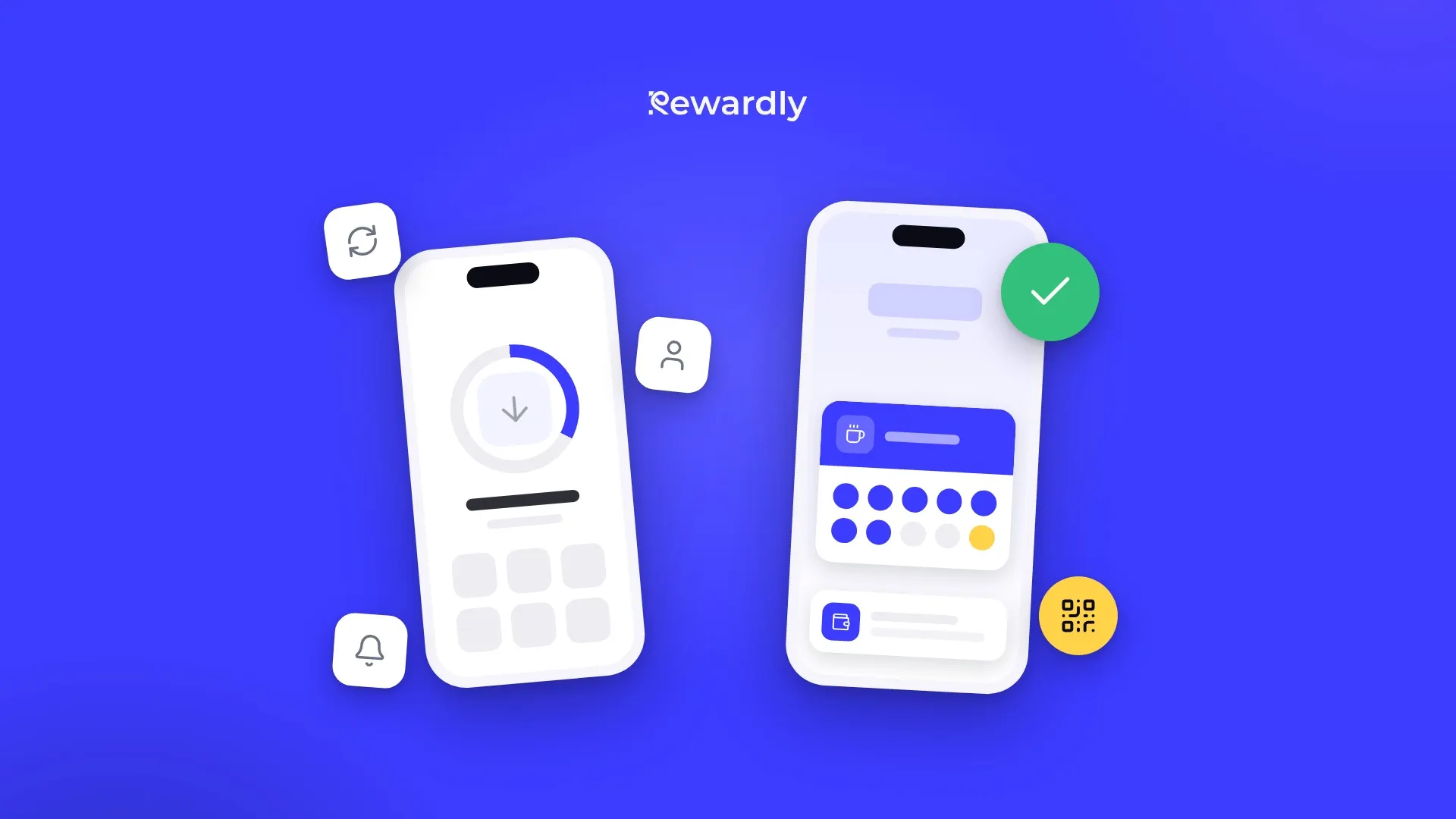
The short answer: before you sign a quote for a loyalty app, add up three things. The build price, maintenance for three years ahead, and how many guests will really download the app. If the app is only meant to run a loyalty program, a digital loyalty card in Apple Wallet and Google Wallet does the same job without development and without a download.
An agency has offered to build you your own loyalty app: your logo, in the App Store and on Google Play, with guests collecting stamps on their phones. It may well be a good idea. Before you sign, know what the app contains, what you will pay every year and what a guest must do for the first stamp.
This article is not against apps. It is a checklist for comparing quotes line by line.
What is inside one loyalty app
A quote often shows a single line: the app. In reality it is eight parts, and each one costs money:
- An iPhone app.
- An Android app. You need both, or you miss a large share of your guests.
- A server and database holding customers, stamps and rewards. The server is a monthly cost.
- An admin area for you, where you change rewards, see customers and write messages.
- A tool for staff to add a stamp or hand out a reward at the till.
- Push notifications, including the permission request inside the app.
- Customer accounts: sign up, log in, forgotten password and account deletion.
- Store listings on the App Store and Google Play: description, screenshots, privacy details.
If a quote looks suspiciously cheap, check points 4 and 5 first. Without them the app does not work in practice: you have nowhere to change rewards and staff have no way to add a stamp.
Fees you pay whichever agency you choose
Some costs do not depend on who writes the code:
- The Apple Developer Program costs 99 USD per membership year (Apple). A business enrolls as an organization and needs a DUNS number, a public website on its own domain and a work email on that domain (Apple). Sort out the DUNS number early.
- A Google Play developer account costs a single 25 USD fee (Google).
- A template app must sit under your account. The App Store rules reject apps built from a commercial template unless they are submitted directly by the owner of the content (guideline 4.2.6). An agency that builds loyalty apps from a template cannot publish your own app under its account. The exception is one shared app listing many businesses. Even with a fully custom app, insist on your own account: the app stays yours if you change agency.
- Account deletion inside the app is mandatory. If an app lets people create an account, it must also let them delete it from within the app (guideline 5.1.1). Check that the quote includes it.
We give no build prices: quotes vary too much for an average to help. Compare what each price includes.
Why the app needs a developer even if you change nothing
This is the cost owners forget most often. Google raises its technical requirements every year and Apple roughly every year or two, and an old app stops meeting them.
- Google: from 31 August 2026, new apps and updates must target Android 16. Existing apps must target at least Android 15, or new users with newer phones will not find them (Google).
- Apple: since 28 April 2026, apps uploaded to the App Store must be built with Xcode 26 and the iOS 26 SDK. Similar requirements came in April 2023 and April 2024 (Apple). You cannot upload a fix or a new feature until the app is technically updated.
On Android that means a developer every year. On iPhone, every time you want to ship a fix or something new. Your budget is the build plus maintenance for as long as you want the app.
A guest's path to the first stamp: up to nine steps or three
Picture the morning rush. Three people are queuing behind your guest, and staff ask the guest to download your app.
A typical path with your own app:
- They open the App Store or Google Play, or scan a QR code on a poster.
- They find your app.
- They confirm the download with a password or their face.
- They wait for it to download.
- They open it and create an account with an email and password.
- Often they also have to confirm the email.
- They allow or refuse notifications.
- They find their QR code in the app.
- They show it to staff.
A well built app with Apple or Google sign in can cut a few steps, but the download and first launch remain.
With a card in Apple Wallet or Google Wallet:
- They scan the QR code at the till.
- They fill in a short form, for example name and email.
- They tap to add the card to Apple Wallet (iPhone) or Google Wallet (Android).
The card is on the phone in about 10 seconds, and on the next visit the guest finds it where they keep boarding passes and payment cards.
Steps matter after the download too. According to the AppsFlyer app uninstall report (2,200 apps across all categories, 1.3 billion installs, Android only), people deleted 46.1% of installed apps within 30 days in 2024 (AppsFlyer). A wallet card can be deleted too, but it takes no space among the icons and needs no password.
What an app can do that a wallet card cannot
Your own app can do things a wallet card will not:
- Ordering and paying ahead, for example coffee to collect.
- Bookings and appointments inside the app.
- Content: a menu with photos, news, articles, video.
- Games and challenges, prize wheels, badges for activity.
- Chat with the customer.
A wallet card, for its part, does exactly what a loyalty program needs: stamps or points that update right after each visit, messages on the lock screen and a reminder near your venue. Apple Wallet can show the card on the lock screen when the customer is near one of up to ten addresses (Apple). The system decides when to show it. Since October 2025, Google Wallet can send a notification when a customer comes near one of up to ten addresses. Google decides how close (Google).
One limit is worth knowing. Google Wallet allows at most three notifying messages per card in 24 hours (Google). For a café that writes to guests once or twice a month, that is not a problem. If you plan several messages a day, a wallet card is the wrong channel.
When your own app is worth it
An app makes sense if at least two of these four are true:
- You want ordering or payments on the phone, and loyalty is just one feature.
- You have several locations and a budget for a developer or agency for years, not for one project.
- Guests come every week and have a reason to open the app beyond collecting stamps.
- You need a feature that no subscription platform offers.
Example: a coffee chain where guests order ahead on their phones has a reason for its own app. A bistro with a lunch menu that wants to reward every tenth lunch usually does not. A restaurant loyalty program in the mobile wallet is enough.
10 questions to ask the agency before you sign
- Which parts does the quote include: iPhone and Android apps, server, an admin area for me, a tool for staff, notifications, customer accounts and store listings?
- Will the app be in the App Store and on Google Play under my account? Who sets it up and who has access?
- Who owns the source code and the customer database? Do I get them if we stop working together?
- How much are yearly maintenance and the server, and does maintenance cover new Apple and Google requirements?
- What happens if Apple or Google rejects the app? Who pays for the fix?
- How do staff add a stamp at the till? Will you connect the app to my POS, and for how much?
- Where is customers' personal data stored, and will you sign a data processing agreement with me?
- How does a customer delete their account inside the app?
- How many guests do you expect to download the app, and how will we measure it?
- If I change rewards or rules after a year, is that included, or do I pay extra?
If you do not get a clear written answer to questions 2, 3 and 4, do not sign.
The alternative without development: a digital loyalty card
You can skip development and the app stores altogether. A subscription platform for digital loyalty cards gives you the card in Apple Wallet and Google Wallet, the admin area and the staff tool in one go.
Take Rewardly as an example. Next to your own app, it looks like this:
- Launch: 2 minutes, no App Store review.
- Card types: stamps, points, VIP card, discount card, gift cards, vouchers and cashback. Vouchers and gift cards are on the Professional plan.
- Staff: the web scanner in a phone or tablet browser, or the POS. POS integrations with Papaya POS, Storyous, Portos and Dotykačka come with the Advanced plan and higher.
- Messages: push notifications come with the Advanced plan and higher. Send them to every card holder who agreed to marketing messages, to customers whose birthday is today, or to a group based on a custom field. Welcome and birthday messages can go out on their own. Push messages have a 90% read rate.
- Data: stored in the EU, and you can export your customer list to CSV.
- Updates: a wallet card is not an app, so app store requirements do not apply to it.
- Price: from €29.90 a month per location, see pricing.
There are limits too. The customer needs Apple Wallet or Google Wallet, and the staff phone must be online when scanning. The card does not handle ordering or paying ahead.
Launch a loyalty card without building an app
How to decide in ten minutes
Take the agency's quote and fill in three numbers:
- App cost over three years = build + 3 × yearly maintenance + 36 months of server + 3 × 99 USD for Apple + 25 USD for Google.
- Subscription platform over three years = 36 × the monthly price of the plan with the features you need (push and POS integration start at Advanced) × your number of locations. Yearly billing gives 2 months free.
- Extra features: what in the app would you really use beyond the loyalty program (ordering, bookings, content)?
If the gap between 1 and 2 is bigger than what those extra features will earn you, the app does not pay off. If you are not sure what a loyalty program can earn you in the first place, try the ROI calculator with your own numbers.
For the general comparison of both approaches, read Loyalty app vs wallet: which one pays off.
Frequently asked questions
Do I keep paying for an app even if I change nothing?
Usually yes. Google raises its requirements every year, and older apps stop being available to new users with newer phones. When Apple raises its requirements, it will not accept a fix or new feature until the app is updated. On top of that come the server and 99 USD a year for the Apple account.
Can I have my own app and a wallet card?
Yes. The app can handle ordering, and the wallet card can run the loyalty program for guests who do not want to download an app.
Can I send a message to a wallet card?
Yes. It shows up as a notification on the lock screen. Google Wallet allows at most three such messages per card in 24 hours.
Does a wallet card work on Android?
Yes. On an iPhone the card is saved to Apple Wallet, on Android to Google Wallet. A phone without Apple Wallet or Google Wallet cannot save the card.
A loyalty program without building an app. Try Rewardly for €0
14 days free, live in 2 minutes.