
Free printable restaurant menu: fill in your dishes, print A4
Make a free restaurant menu: sections, dishes with short descriptions, right aligned prices and your logo. One A4 page or more, print PNG or SVG. No sign up.

You change the price of one dish and the whole Word menu shifts. Prices no longer line up, the second page starts halfway through the desserts and the designer who made it no longer replies. So we built a free restaurant menu maker. Type your sections, dishes and prices, pick a look and download a menu to print on A4.
What goes on the menu
Under the Menu tab you fill in the content:
- Restaurant: the name and a line under it, such as your cuisine, opening hours or a short welcome. The line can stay empty.
- Sections: starters, mains, desserts, drinks. Move sections and the dishes in them up and down with the arrows.
- Dishes: name, price and an optional short description.
- Loyalty line: one sentence at the foot of the menu, for example "Every 8th lunch is on us. Ask for our loyalty card." Edit it or switch it off.
The menu is saved in your browser, so when you come back a week later to change a price, you do not have to type everything again.

Look and layout
Under Design you choose:
- Look: Classic, with the names in a serif, or Modern, with one clean sans serif throughout.
- Colour and logo: a colour from the swatches or an exact hex code, and a logo (PNG, JPG, SVG or WebP) that sits above the restaurant name.
- Columns: one or two.
- Pages: "Fit on one page" or "As many as needed".
- Prices: a currency label, such as €, before or after the price. Leave it empty to show numbers only.
Prices are right aligned, with no dotted leaders to the dish. On a single page the maker shrinks the text a little when it has to. If the menu does not fit even at the smallest size, it tells you with the message "The page is full".
A menu that sells the dish, not the price
The maker handles the typesetting. Three tips on the content are up to you:
- One page, one glance. A menu on one page gets read; a menu on three pages gets skimmed. If the maker says the page is full, the fix is almost always fewer dishes, not smaller type. A shorter menu sells more of everything on it.
- Descriptions of three to eight words. The main ingredients, the way it is cooked and what makes it yours. "Slow cooked beef, parmesan aged 24 months" says more than a paragraph. When the name says it all, leave the description out.
- Prices without the theatre. Just the number, no trailing .00 and a small currency label. The guest's eye stays on the dish.
More pages and a two sided menu
With "As many as needed", sections flow onto extra pages at full size. Tick "Start on a new page" on a section to put, say, the drinks on the back. Then print double sided.
A menu can hold up to 20 sections with up to 60 dishes each, which is plenty for a typical restaurant.
Printing and downloads
- Print A4: one page of the menu per sheet. In the print dialog choose 100% scale and no margins.
- Download PNG: at print resolution, 3360 × 4752 px, about 406 dpi, for a print shop. A menu with several pages downloads one file per page. The PNG scales down to A5 or up to A3 without losing sharpness.
- Download SVG: opens in any design app.
Dish photos are not supported. A menu of type and colour prints cleanly on any office printer and reads faster at the table.
Free, no sign up
The maker needs no account and no email. Everything runs in your browser and nothing you type is sent to us. A small note "Made with rewardly.me" sits at the foot of each page.
The last line of the menu
The menu is the one piece of paper every guest reads. That is why the maker puts a loyalty line at the bottom. "Every 8th lunch is on us" is worth more on the menu than any poster on the wall.
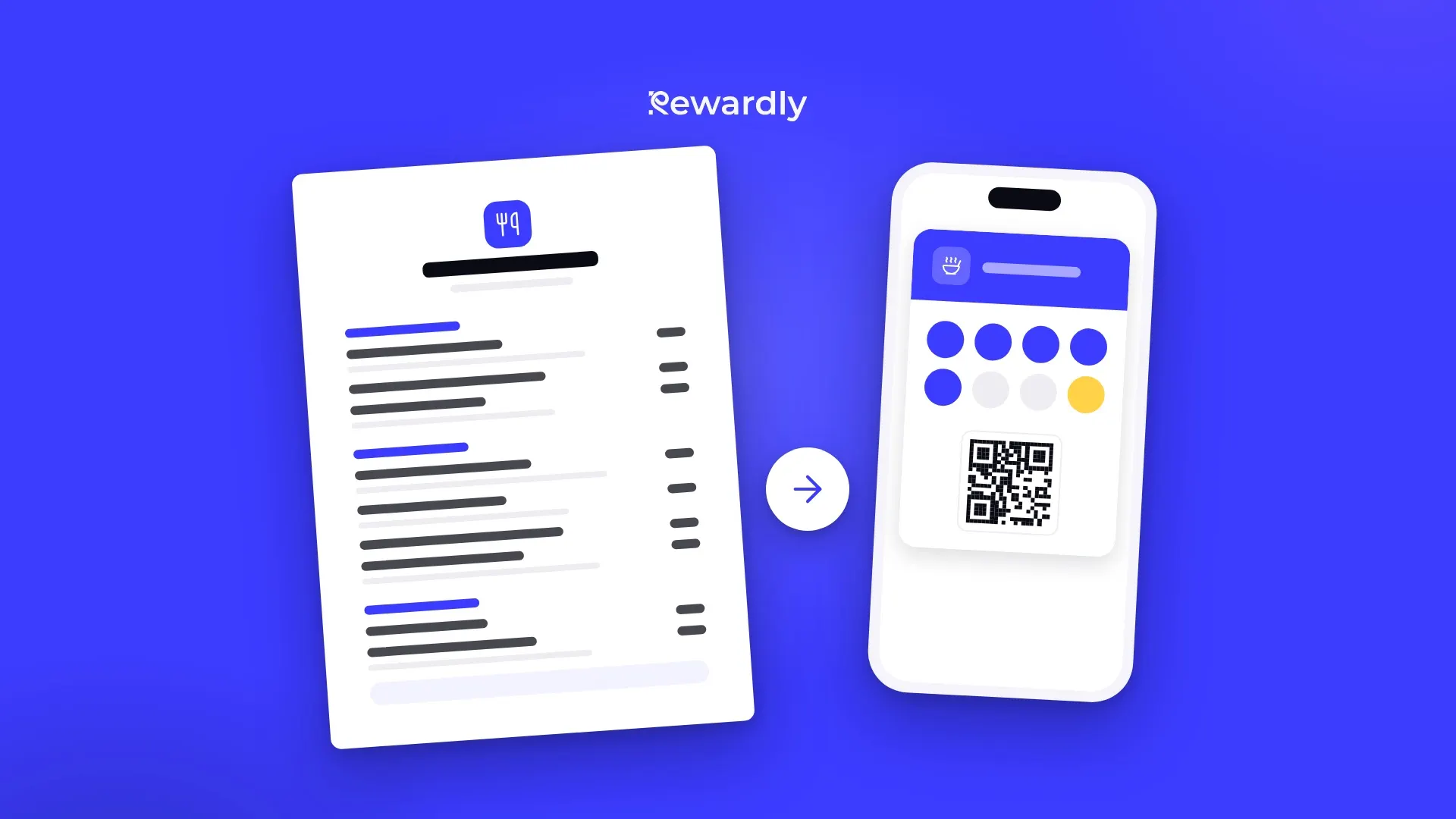
The line works with a paper stamp card too, which you can design in our loyalty card maker. With Rewardly, the card behind it lives on the guest's phone:
- The guest scans a QR code on the table or at the till and adds the card to Apple Wallet or Google Wallet. No app to download, and it takes about 10 seconds.
- Your staff add a stamp in the Rewardly app on a phone. An internet connection is all it needs.
- If you use Papaya POS, Storyous, Portos or Dotykačka, you can connect your till to Rewardly on the Advanced plan and higher.
For keeping lunch guests coming back, read Lunch menu: how to keep your regulars.
Give your loyalty line a card on the phone. Try Rewardly for €0
No upfront payment, set up in 2 minutes.