
Why a loyalty program must never block your till
What happens at the till when your loyalty program briefly stops responding: how PapayaPOS, Storyous and Dotykačka behave and what staff and owners should do.
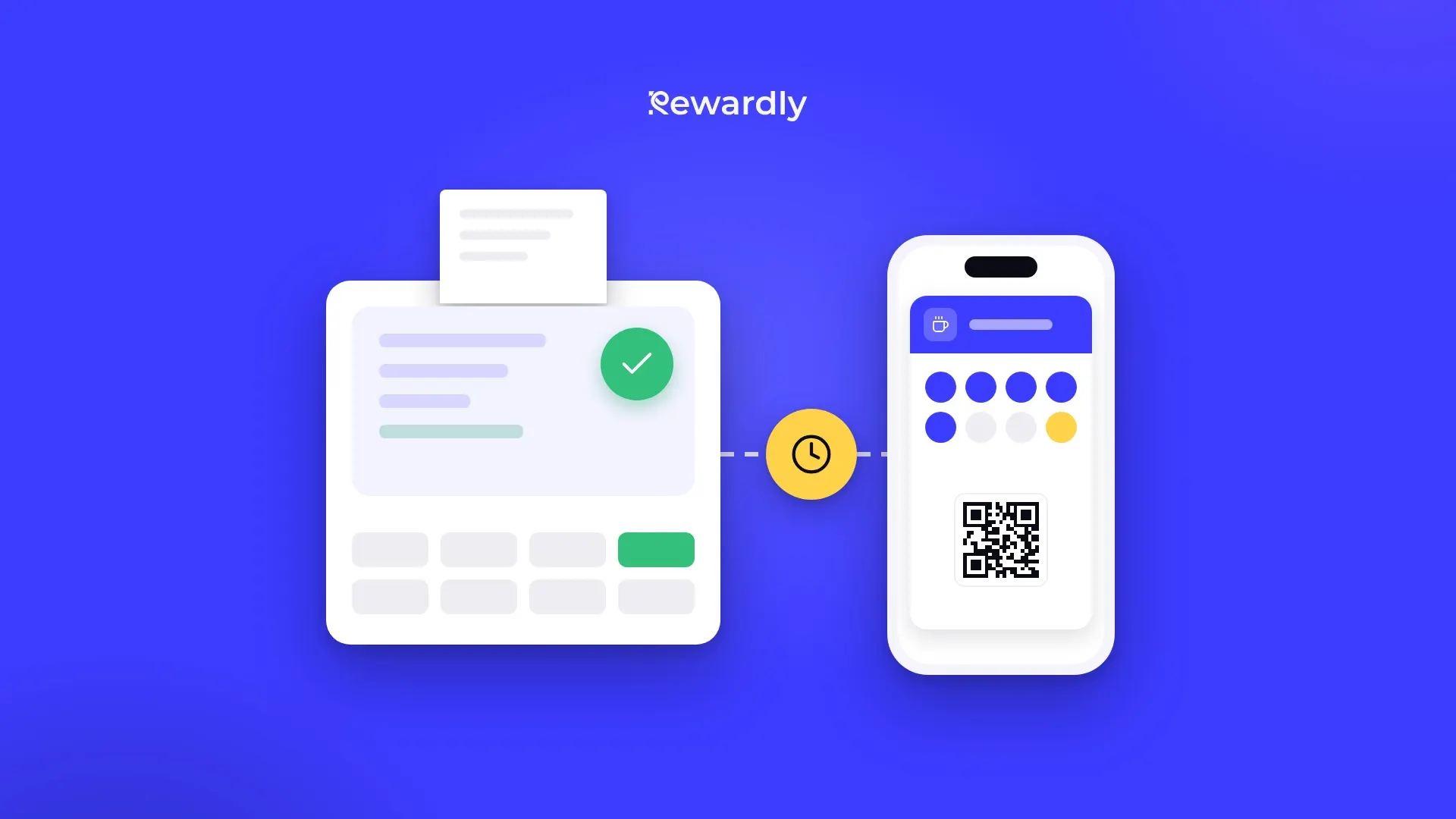
At the till one thing comes first: the customer pays and leaves happy. A loyalty program adds stamps, points and rewards to that, but it must never be the reason a queue stops moving. Any system that communicates over the internet can fail to respond for a moment. What matters is what happens at the till at that moment.
In this article we explain how Rewardly's till integrations behave when Rewardly briefly does not respond, and what staff and the owner should do at such a moment.
The till comes before the loyalty program
With a live link the till asks Rewardly every time a card is scanned. Rewardly answers who the customer is, how many stamps or points they have and which rewards they can use. If the till waited for the answer without any limit, a problem in the loyalty program would stop payments too.
That is why a simple rule applies: when the loyalty part does not work, the bill is settled as usual and the loyalty program is skipped for it. The customer pays, staff carry on and nothing gets stuck.
Exactly how this happens depends on the till. You can find all of Rewardly's till connections on the integrations page. Here we look only at the situation when Rewardly is not responding.
PapayaPOS: an empty offer and a short message
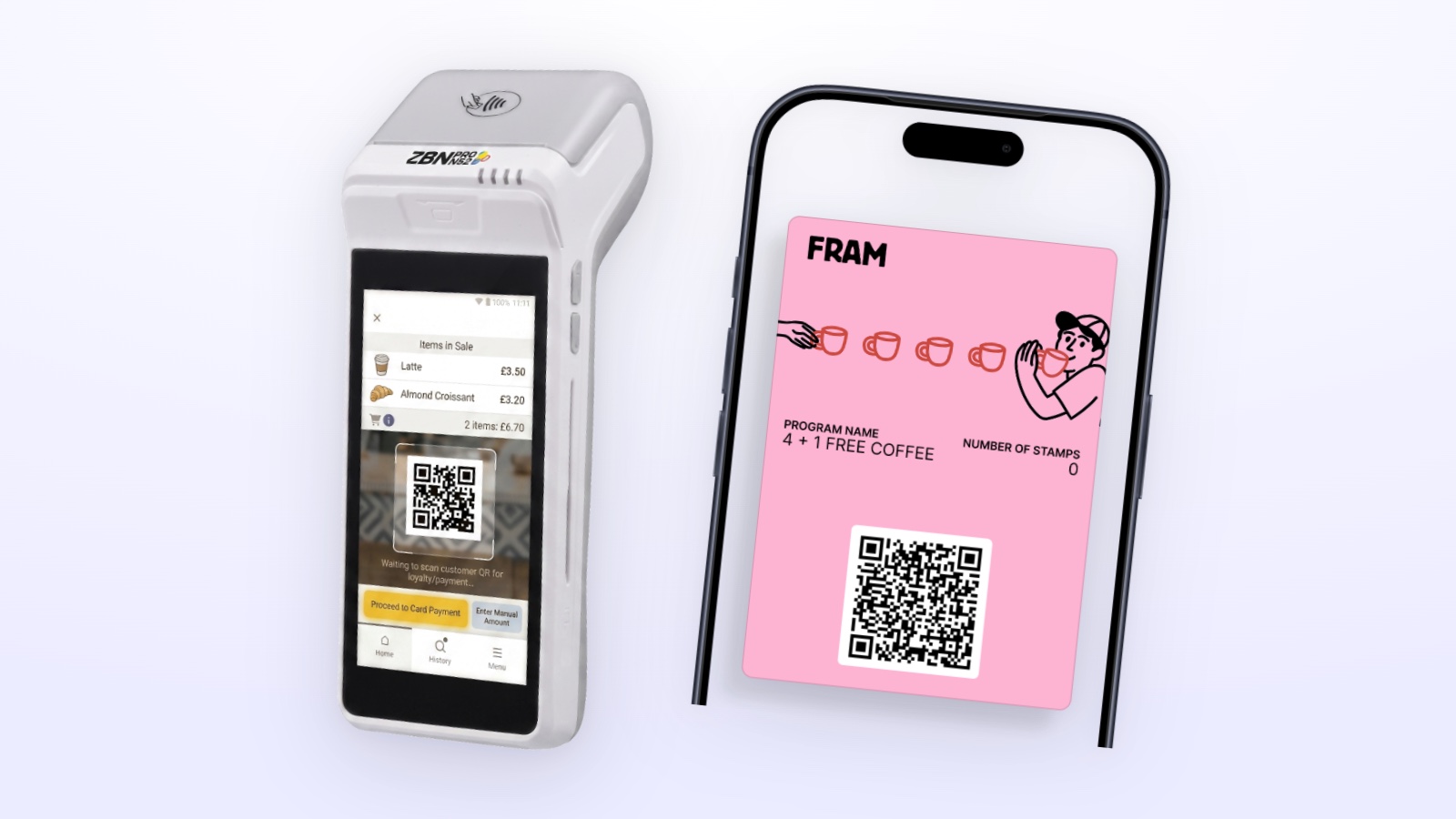
When a card is scanned, PapayaPOS asks Rewardly which discounts and rewards to apply to the open bill. If anything goes wrong with this request, Rewardly returns an empty offer to the till with a message that the loyalty system is temporarily unavailable. The message is in the language set for the till: Slovak, Czech or English.
So the till does not wait and does not freeze. No discount or reward is applied to the bill, and the cashier closes it as a normal purchase.
Failed reward requests are recorded in the list of recent problems in the integration settings in Rewardly. That way the owner can see later that something happened.
Storyous: the bill is finished without an offer
Storyous works in a similar way. After a card is scanned, the waiter normally sees the customer's first name, their progress in stamps or points and the rewards they can use. If Rewardly does not prepare an offer, Storyous gets an empty offer with a message that the loyalty system is temporarily unavailable, and the bill is finished as usual.
After payment Storyous tells Rewardly what was used on the bill. If this notice cannot be processed, Rewardly saves it and shows it in the list of recent problems. There is no automatic reprocessing of such cases yet, so they need to be checked by hand.
Dotykačka: nothing waits for Rewardly at checkout
Dotykačka works differently. Rewardly writes points, credit and the discount group directly to the customer in Dotykačka in advance. At checkout the till does not ask Rewardly, it works with the values it already has for the customer, and Rewardly processes the order only after payment.
Since no request goes to Rewardly at checkout, the till does not wait for its answer.
Portos: agree on the process in advance
With Portos the till also asks Rewardly what the customer can redeem. How the Portos till behaves when Rewardly does not respond is not covered in this article. If you use Portos, write to us and we will agree on a process for staff before launch.
What staff should do
- Scan the card before closing the bill. If the card is not on the bill before it is closed, the purchase is not added. This applies even when everything works.
- When the till shows that the loyalty system is temporarily unavailable, do not wait. Finish the bill as usual and do not hold up the customer by scanning again and again.
- Tell the customer in one sentence. For example: "The loyalty system is unavailable for a moment. We will check your card and add anything that is missing."
- Reassure them that they will not lose their reward. With PapayaPOS and Storyous only what was actually applied to the bill is taken off the card. When the offer came back empty, the reward stays with the customer for their next visit.
- Note the time and the customer's name. The owner can then quickly find which card to check.
What the owner should do
- Agree on the rule in advance. Staff should know that when the loyalty part is down, they finish the bill, repeat nothing and report the case. It is best to say this during training, not in the middle of a busy shift.
- Check the list of recent problems. For PapayaPOS you will find failed reward requests in it, for Storyous rejected offers and failed reward uses.
- Check the customer's card. If stamps or points are missing after a reported case, you correct them manually in their detail in Rewardly.
- With Storyous, do not rely on automation. Failed notices about a paid bill are not reprocessed on their own, so check them.
- Watch whether the problem repeats. You solve a one time outage by correcting the card. If the problem keeps coming back, get in touch with us and we will look at the integration settings.
Why the customer hardly notices
The customer came to buy a coffee or lunch, not to collect stamps. When the till keeps going during an outage, they pay as always and hear about the problem in one sentence from staff at most. You can add the missing stamp later, but they would remember a delay at the till for longer.
That is why, when choosing an integration, it is worth knowing how it behaves during an outage. For an overview of all connections, see the integrations page.
Summary
A loyalty program should help at the till, not slow it down. When there is a problem, PapayaPOS and Storyous get an empty offer with a message that the loyalty system is temporarily unavailable, and the bill is settled as usual. Dotykačka does not ask Rewardly at checkout, so it does not wait. With Portos, agree on the process with us in advance.
Staff have one rule: finish the bill and report the case. The owner then checks the list of problems and, if needed, corrects the customer's card.
Set up a loyalty program that never holds up your staff. Try Rewardly for €0
No upfront payment, the POS integration is in the Advanced plan and higher.