
Connecting a loyalty program to your till: what staff see, what customers see
Your till either asks Rewardly with every card or keeps loyalty values stored itself. What that means for staff, customers, rewards and member discounts.
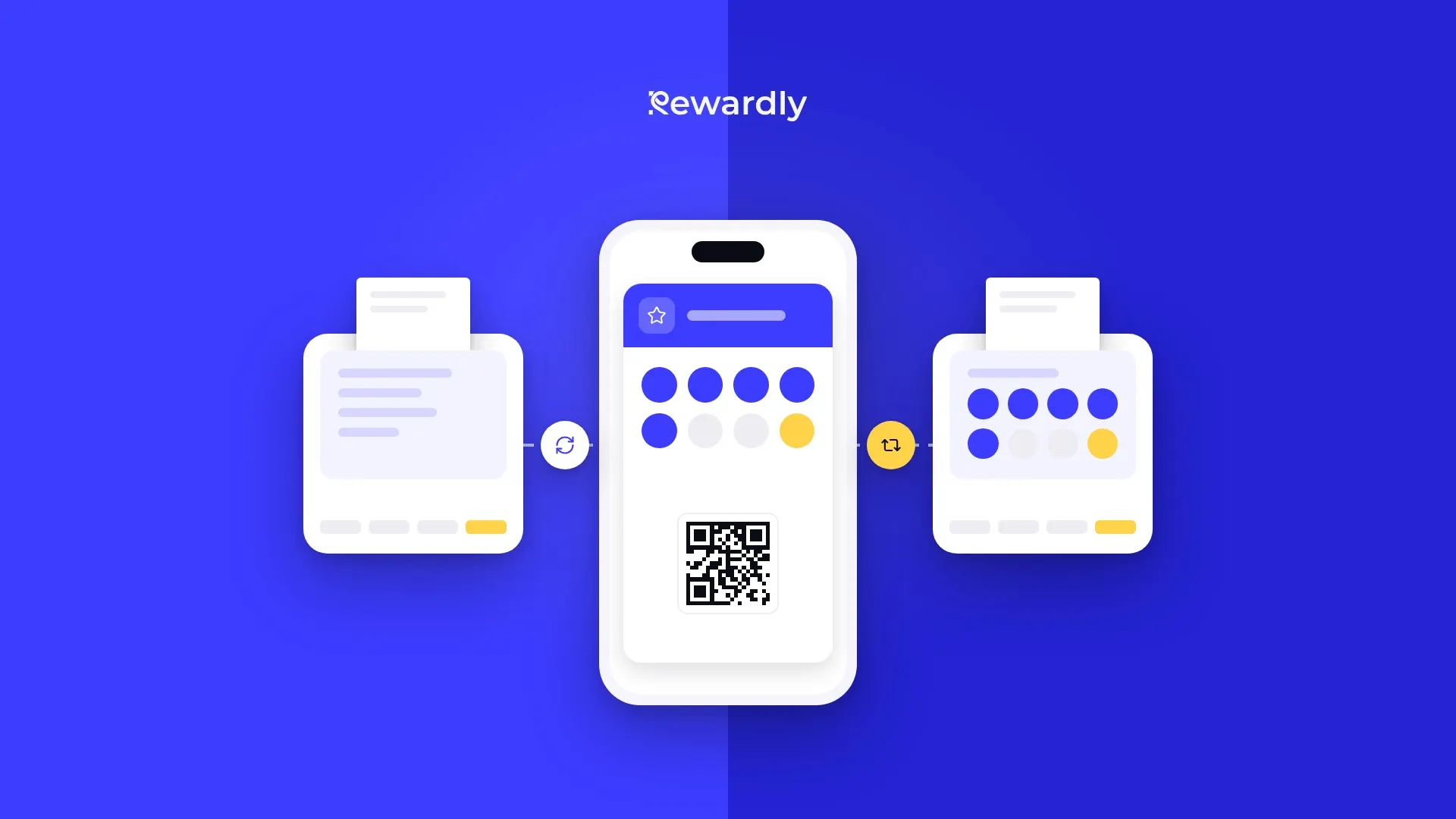
When you connect your loyalty program to your till, staff do not switch between two apps at checkout. The customer shows the card, the purchase is added to it and the reward is taken off the bill. Behind that result, though, there are two different ways of working.
In the first, the till asks Rewardly what the customer has available every time a card is scanned. In the second, the till keeps the loyalty values stored on its own side. Rewardly connects with four tills: Papaya POS, Storyous and Portos work with a live link, Dotykačka with a mirror.
You can see what each integration can do on the Rewardly integrations page. Here we look at what each way means in daily operation: what staff see, what the customer sees and what happens when you change something in Rewardly.
Where points and credit are stored
Live link. Points, stamps, credit, cashback and rewards are stored only in Rewardly. Nothing is written to the till. When staff scan the customer's card, the till asks Rewardly for the current balance and for what can be applied to the bill. After payment the till sends the purchase to Rewardly, which adds the points, stamps or cashback.
Mirror. Rewardly writes the customer's status into Dotykačka: points into the points field, stored credit into the account balance and the discount into a discount group. At checkout the till works with these values and does not ask Rewardly. Dotykačka then sends the paid order to Rewardly, which processes it.
Both ways have one thing in common. They recognise the customer by the scanned Rewardly card, not by phone number or name. If the card is not on the bill before it is closed, the purchase is not added.

The live link in practice: Papaya POS, Storyous and Portos
What staff see
What is on the screen depends on the till. After a card is scanned, Papaya POS sends Rewardly the whole open bill and gets back discounts and a short message for the cashier. Storyous shows the waiter the customer's first name, progress in points and stamps, their tier, what this purchase will earn and which rewards and credit they can use. Portos gets a list of rewards the customer can redeem and shows the balance as a single number, points.
Rewards and credit on the bill
The reward is applied directly to the open bill. Papaya POS and Storyous send the whole purchase, so Rewardly calculates a reward for a specific product on the right line. Portos does not send the contents of the purchase, so the till itself checks the reward conditions.
Credit and cashback can pay for part of the bill. In Storyous the credit is pre filled and the waiter can lower or reject it. In Papaya POS all the credit is spent up to the amount of the bill, or only when the cashier rings up a chosen product.
Member discount
In Papaya POS a standing percentage discount is applied every time the card is scanned. In Storyous the discount from a discount card is applied first, before other rewards. Portos applies both the member discount and the tier discount, but it does not show the customer's tier itself.
When you change something in Rewardly
The till stores nothing, so every change shows up the next time the card is scanned. If you manually correct a customer's stamps or points in their detail in Rewardly, the till sees the new balance with the very next purchase.
When Rewardly does not respond
Papaya POS and Storyous do not wait for Rewardly. If no answer comes, the till gets an empty offer with a message that the loyalty system is temporarily unavailable, and you settle the bill as usual. In that case no loyalty rewards are applied to the bill.
The mirror in practice: Dotykačka
What staff see
Rewardly creates a customer in Dotykačka for every card. Its barcode matches the Rewardly card, so scanning the card selects the customer at the till. Staff then see the values stored with the customer: points in the points field, credit in the account balance and the discount from the discount group.
The points field holds one value: points, stamps or cashback. Cashback is shown in it as points, with 1 euro equal to 100 points.
Rewards and credit on the bill
Staff apply a reward by ringing up a special product that Rewardly creates in Dotykačka. For a free item it is a copy of the product with a price of zero. Cashback or points are spent through a product for paying with points. Stored credit is spent from the account balance.
Rewardly learns about the redeemed reward from the order after payment. Rewards for points are not sold at the Dotykačka till, and staff do not see a live preview of rewards.
Member discount
Tiers and member discounts are carried over to Dotykačka as percentage discount groups. A customer has one group, and the one with the highest discount applies. When the customer moves up to a higher tier, Rewardly changes their group. Every location then applies the discount, and the till does not wait for Rewardly at checkout.
When you change something in Rewardly
Changes on the Rewardly side, meaning earning, redeeming, manual adjustments and tier changes, are also written into Dotykačka by Rewardly. The till then works with the new values.
One exception: if you have points set on products in Dotykačka and the till calculates them itself, Rewardly only reads the points after each order. It does not overwrite the points field in Dotykačka in that case, so a manual change of points in Rewardly does not reach the till. Keep this in mind when making corrections.
What the customer sees
For the customer both ways are the same. They have a Rewardly card in Apple Wallet or Google Wallet and show it at checkout. After the purchase the card on their phone updates and shows the new stamps, points or credit.
The difference is more noticeable with rewards. In Storyous the reward can be applied right away on the same bill that filled the stamp card. In Dotykačka staff ring up the reward as a product. If the till calculates points itself, Rewardly reads them after the order and shows them to the customer on the card.
Which way suits you
You do not choose the way separately. It is set by the till you use. It still helps to know what to expect:
- The live link suits you when you want staff to see the current offer with every card and the reward to be calculated from the contents of the bill.
- The mirror suits you when you want the till to calculate points for products itself and the member discount to apply at all locations without asking Rewardly at checkout.
With both, the same rule applies for staff: scan the card before the bill is closed. The POS integration is part of the Advanced plan and higher. You will find details about each connection on the Papaya POS, Storyous, Portos and Dotykačka pages. If you are not sure how your till will behave with a specific program, write to us.
Connect your loyalty program to your till. Try Rewardly for €0
No upfront payment, the POS integration is in the Advanced plan and higher.