Your 14 day Rewardly trial: what to set up on day 1, day 3 and day 10
How to get the most from your 14 day Rewardly free trial: what to set up on day one, how to win first customers on day three and what to check on day ten.
Fourteen days is enough to see whether a loyalty card on the phone works with your own customers. It is not enough if you only launch the card in the second week. This plan splits the trial into three days when you set something up, and leaves the rest to your customers.
First, what happens with payment. You add a payment card when you sign up, but nothing is charged during the 14 days. You get an email reminder 3 days before the end and again the day before. If you cancel during the trial, you pay nothing. If you don't, the first payment is taken automatically after 14 days.
Before you start: pick the plan you actually want to test
The trial runs on the plan you choose. If you want to try push notifications or a POS connection, start on Advanced, because Basic does not include them. An upgrade applies immediately and a downgrade from your next billing period, so you can comfortably move to a lower plan at the end of the trial.
Day 1: a card your customers can see today
The goal of day one is simple: by the evening there is a QR code at the till and a first customer with the card on their phone.
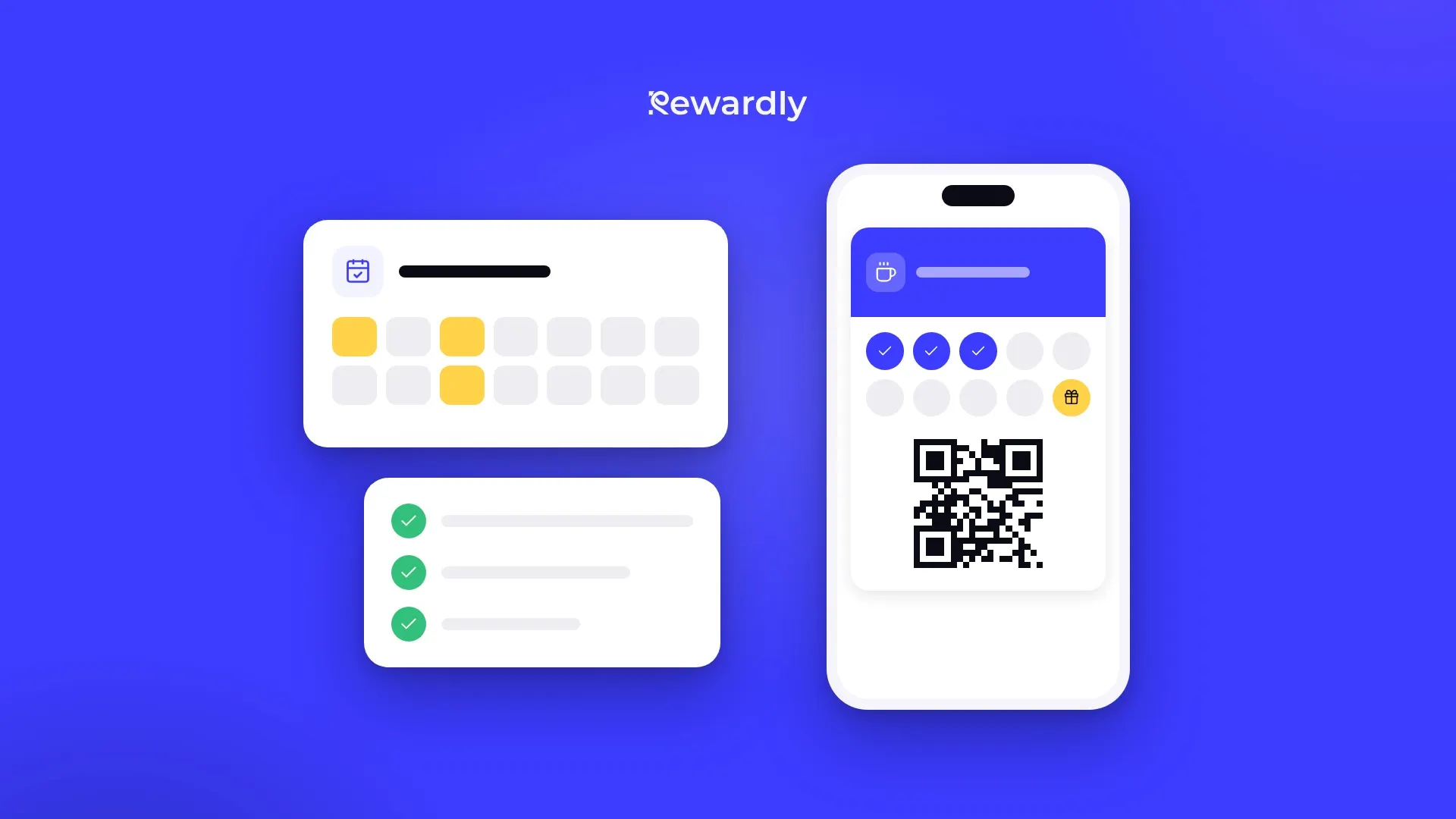
- Create your card. Your first card takes about 2 minutes: card type, logo and colours, reward. For a café, bakery or salon, a stamp card is the simplest start.
- Think about the number of stamps. Pick a number a typical regular fills within a few weeks. It can be 2 to 30 stamps.
- Set up the form. Only first name and email are required. If you want to send birthday messages later, add date of birth.
- Add the card to your own phone and scan it. The dashboard walks you through this under Finish setting up: you add the card with the sign up QR code and then scan it in the scanner. The scanner runs in the browser on a phone, tablet or computer, with nothing to install.
- Print the counter stand. In the dashboard you download a PDF table tent with your QR code, ready to print on A4. Put it where customers pay.
- Add your staff. Each employee can have their own login with the Scanner role, which can only scan cards. There is no limit on staff accounts.
Using Papaya POS, Storyous, Portos or Dotykačka on the Advanced plan? Connect it on day one too, it takes about 2 minutes. Stamps or points are then added automatically from the receipt.
Day 3: first customers and one line at the till
After two days of trading you will see your first members in the dashboard. If there are fewer than you hoped, the problem is almost never the card. It is that nobody asked. The best moment is while the customer pays: staff point to the QR code and say what the customer gets. Adding the card takes the customer about 10 seconds and needs no app. One line is enough: "Would you like our loyalty card on your phone? Just scan this code."
What else to do on day three:
- Share the link online too: on Instagram, WhatsApp and your website. You find the link and the QR code in the dashboard when you share your card.
- Move regulars with a paper card over. At the till they add the card and your staff add the stamps they already have in the scanner.
- Turn on a welcome message (Advanced plan and higher). The automation sends a message to the card when a customer adds it. You can set up a birthday message the same way.
Day 10: decide on the numbers
Day ten is the right moment because the reminder is still a day away and the trial ends in four. In the dashboard, watch three things:
- How many customers joined. This shows whether people want the card and whether your staff are asking.
- How many came back. A café will see second visits within ten days. A salon, where clients come every few weeks, will not yet, and that is fine.
- How many rewards were redeemed. With a short card, the first rewards can arrive within the trial.
On the Advanced plan, send your first push notification on this day. It appears on the lock screen of everyone who has your card, and wallet messages have a 90% read rate. Give it a clear reason, such as something new on the menu or a reminder that a reward is close. Each customer receives at most 3 messages from you in 24 hours.
Then decide:
- Continue: you don't need to do anything, the plan is paid automatically after 14 days.
- Change plan: in Settings under Billing.
- Stop: cancel in the same place before the trial ends and you pay nothing. Export your customer list to a CSV file first.
What not to do during the trial
- Don't wait for the perfect design. A logo and colours are enough. You can change the design later, and cards in wallets update with the next stamp.
- Don't put the reward too far away. A card that takes half a year to fill shows you nothing in two weeks.
- Don't hide the QR code. It belongs where people wait or pay, not on the door.
Launch your card today and let your customers decide. Try Rewardly for €0
No upfront payment, 14 days free.