
Storyous integration with Rewardly, the digital loyalty program on mobile
How Storyous works with Rewardly: after a card scan the waiter sees the customer's points, stamps, rewards and credit. Setup with a code, plus the limits.
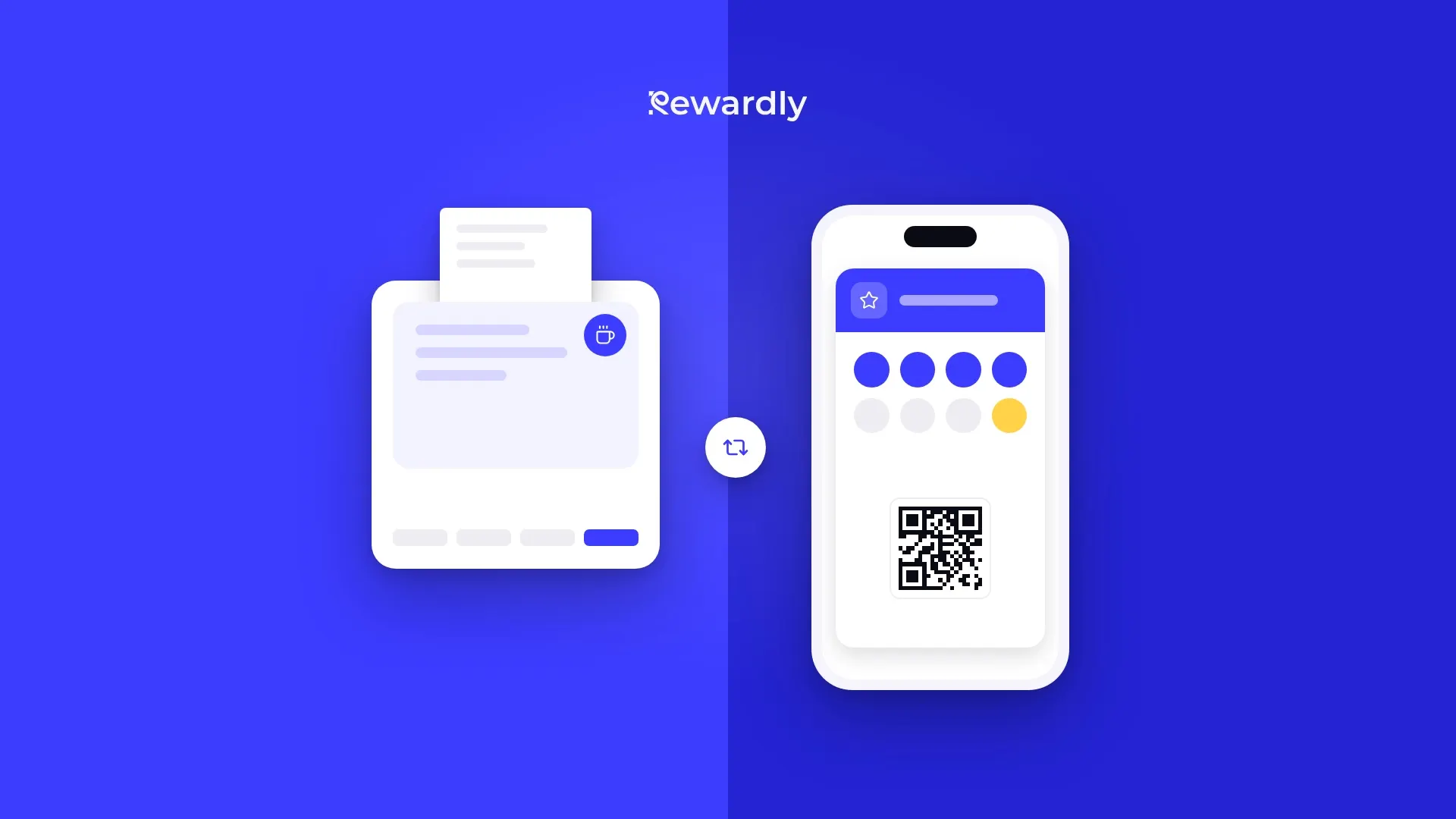
The Storyous integration connects your Rewardly loyalty program to your till. The waiter scans the customer's card and the till shows right away who the customer is, what this purchase earns and which rewards and credit they can use. Once the bill is paid, the points or stamps appear on the card on their phone.
Rewardly also works without an integration, with staff scanning cards in the Rewardly app on a phone or tablet. Connecting Storyous makes sense when you want staff to work only in the till and rewards to be calculated straight from the bill.
How the integration works in practice
- The customer shows their Rewardly card from Apple Wallet or Google Wallet.
- The waiter scans its code at the Storyous till.
- Storyous asks Rewardly for an offer for this bill and sends the whole basket.
- Rewardly works out the offer from your program rules and the till displays it.
- Once the bill is paid, Storyous reports it, and Rewardly adds the points, stamps or cashback and confirms the rewards that were used.
Points and stamps are calculated on the amount the customer actually paid after loyalty discounts. If a payment fails, nothing is added. If you cancel a bill, the values it added are reversed.
Nothing is stored in Storyous. Balances stay in Rewardly and the till reads them at every scan. If Rewardly does not answer, the till gets an empty offer with a message that the loyalty system is temporarily unavailable, and you handle the bill as usual.

What the waiter sees at the till
- the customer's first name,
- progress in stamps and points, for example "Stamps 7 (+3)", which shows what this purchase adds,
- the customer's tier, if you run a membership card with tiers,
- the rewards and credit the customer can use.
The text at the till is in Slovak, Czech or English. The printed bill shows the credit used and the credit left.
Rewards and credit on the bill
Credit and cashback are prefilled on the bill. The waiter can lower or reject them. If you do not want credit prefilled, you switch automatic use off in Rewardly.
Rewards appear as vouchers that the waiter can switch off if the customer wants to keep them for later. When a purchase fills the stamp card, the reward can be used on that same bill.
Rewards for points are chosen from the rewards catalog you set up. One such reward fits on one purchase. Points are not spent as money at the till, only on rewards from the catalog.
A percentage discount from your loyalty program is applied to the bill first.
Connected in a few steps
You set up the connection yourself in the Rewardly settings, under integrations. You never share your Storyous password.
- In Rewardly, generate a connection code.
- In the Storyous settings, switch on the Rewardly loyalty feature for each location and enter the code.
- Complete the connection in Rewardly. It shows how many locations were connected.
- Rewardly imports the menu with all its categories, so program rules can target specific products and categories.
- If you like, change the automatic use of credit.
You can use the same code for locations you add later. For another Storyous account you generate a new code, and it joins the same integration.
The menu refreshes when you connect, every night and on demand with a button in Rewardly. Instant menu updates have to be switched on by Storyous on their side.
Several locations
Each Storyous location has its own connection, and Rewardly automatically creates a location with the same name. You can also assign it to a location you already have in Rewardly. Purchases are recorded at the right location, and all of them work with the same loyalty program.
Which cards work with Storyous
At the Storyous till you work with stamps, points, cashback and stored credit. Stamps can be given per visit or for a specific product on the menu. Points are calculated from the purchase amount. A membership card with tiers shows the waiter the customer's tier.
You set up the card yourself in the Rewardly dashboard.
What to check before you start
- Plan: the POS integration is included in the Advanced plan and higher.
- Card first: the customer needs a Rewardly card before paying. The till does not create new members.
- Scan only: the till recognises the customer by the scanned card, not by phone number or name.
- One customer per bill: if cards of two different customers are scanned on one bill, the till gets no offer.
- No top up at the till: credit can be spent at the Storyous till, but not topped up there.
Messages to customers
On the Advanced plan and higher you can send messages to card holders through Apple Wallet and Google Wallet. A message can go out on its own after a purchase, a visit or a new stamp. You can reach everyone who has your card, customers whose birthday is today, or a group you define with a custom field. From the templates you can also build your own reminder for customers who have not come back within a number of days you choose.
Who the integration suits
- Cafés with a stamp card, where the free coffee is applied on the same bill that fills the card.
- Restaurants that give cashback as credit for the next visit.
- Bakeries and cafés that sell menu items for points.
- Businesses with several Storyous locations.
You can find an overview of the connection on the Storyous integration page and all supported systems on the integrations page. We are happy to help with the setup, get in touch.
Connect Storyous to your loyalty program. Try Rewardly for €0
No upfront payment, the POS integration is included in the Advanced plan and higher.