Mobile loyalty program for small business: app or wallet card, and how to start
A mobile loyalty program for a small business: app, wallet card or web compared, what each costs per month and a seven step plan to launch in one afternoon.

A mobile loyalty program is a loyalty card that lives on the customer's phone instead of in their wallet or on your counter. That sounds like one thing, but there are four quite different ways to build it, and they differ in cost, in how many customers actually join and in what you can do with them afterwards. This guide explains the four, shows which one suits a café, salon, bakery, restaurant or shop with one to a few locations, what it costs per month and how to go from nothing to your first members in one afternoon.
The short answer
For most small businesses the best mobile loyalty program is a loyalty card in Apple Wallet and Google Wallet. The customer scans a QR code at your counter, fills in a short form and saves the card in about 10 seconds, without downloading an app. The card updates after every visit, can show up on the lock screen near your shop and can carry push messages. A custom app only pays off for chains with a large, loyal customer base and a budget to keep the app alive.
What counts as a mobile loyalty program?
Anything where the customer's progress (stamps, points, credit or a VIP level) is stored digitally and shown on their phone. In practice you will meet four types.
1. Your own loyalty app
You (or an agency) build an app with your logo, publish it in the App Store and Google Play and ask customers to download it. It can do almost anything: ordering, payments, games, a full menu. The catch is the download. Every customer has to find the app, install it, create an account and remember it exists. Many people will not install an app for a coffee they buy twice a week, and an app nobody opens cannot remind anyone of anything. We cover the full cost of this route in Building a loyalty app for your café or restaurant.
2. A marketplace or coalition app
Here your business is one of many inside someone else's app. The customer may already have it installed, which helps, but your brand sits next to your competitors, the platform owns the customer relationship and you usually cannot message your own regulars freely.
3. A web page or a text message
Some programs work through a link: the customer opens a web page to see their stamps, or gets a code by text message. There is nothing to install, but there is also nothing that stays on the phone. The customer has to find the link again every time, and you have no way to appear on their screen unless you pay for each message.
4. A wallet loyalty card
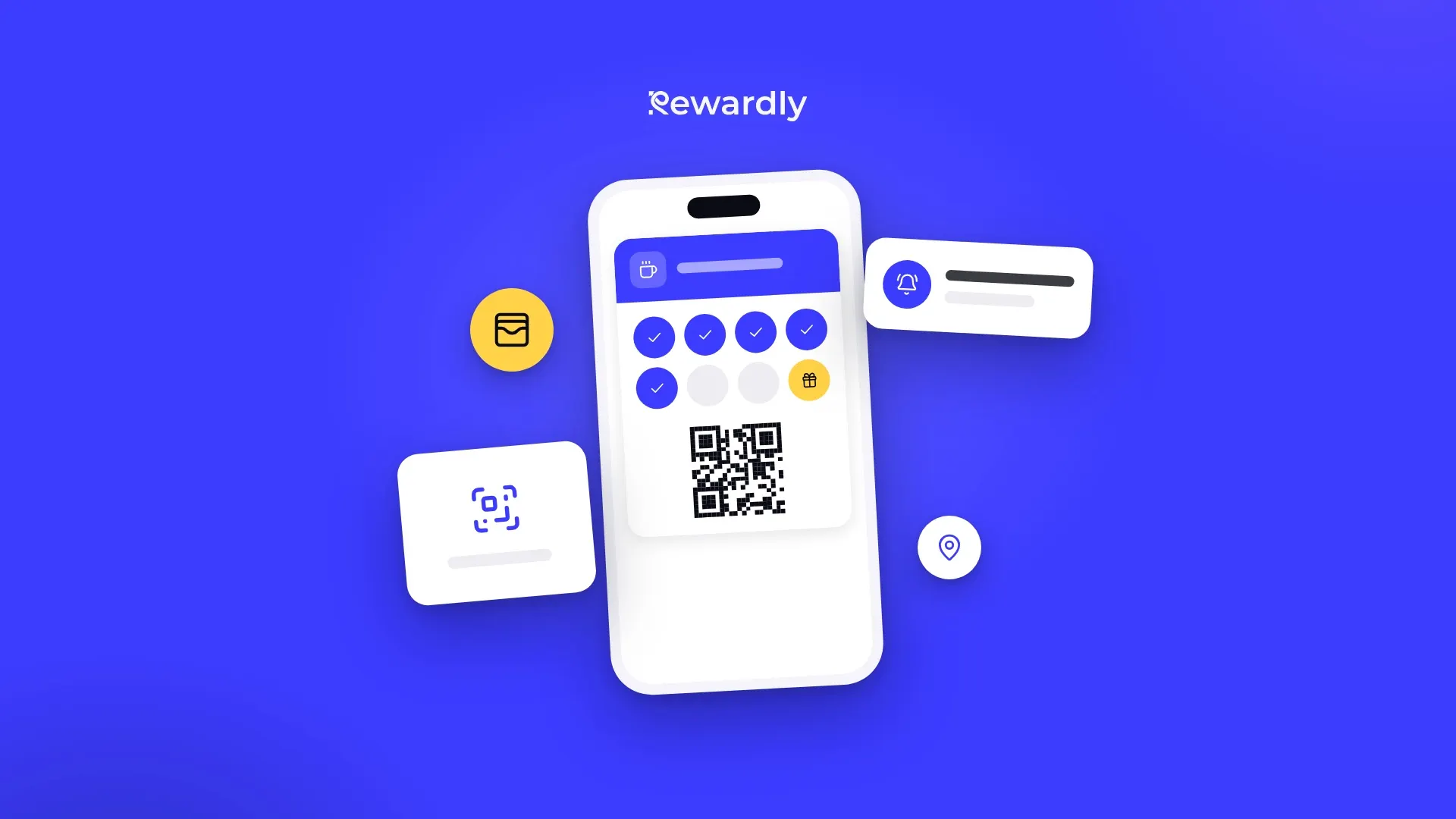
The card is saved in Apple Wallet on an iPhone or Google Wallet on an Android phone, the same place people keep boarding passes and cinema tickets. Both apps are already installed on almost every smartphone. The card shows your logo, colours and the customer's current stamps or points, and it updates on its own. You can read exactly what these cards can and cannot do in Apple Wallet and Google Wallet loyalty cards: what they can and can't do, and see the whole picture on our wallet loyalty cards page.
Which type fits a small business?
The question to ask is not "which is most powerful" but "which will my customers actually use every week". A program only works if a large share of your regulars join and keep the card. That is why the four types compare like this:
Type | Customer installs something | You own the customer list | Reminds the customer | Typical cost |
|---|---|---|---|---|
Wallet loyalty card | No | Yes | Yes, push and lock screen | Monthly subscription |
Own app | Yes | Yes | Yes, if the app stays installed | Build plus upkeep |
Marketplace app | Sometimes | Partly | Through the platform | Commission or fee |
Web page or text | No | Yes | Only paid texts | Per message |
For a business with one to a few locations, the wallet card wins on the two things that matter most: nobody has to download anything, and the card stays on the phone where the customer sees it. If you want to go deeper into the trade offs, Loyalty without an app explains when it works and when an app is the better choice.
How does a mobile wallet loyalty card work for the customer?
From the customer's side it takes four steps, and only the first one needs any effort.
- Scan. They scan the QR code on your counter, table tent or window, or tap a link you shared on Instagram or in an email.
- Join. A short form opens in the phone's browser. You decide which fields to ask for. A birthday field, for example, lets you send a birthday message later.
- Save. They tap "Add to Apple Wallet" on an iPhone or "Add to Google Wallet" on Android. The card is saved in about 10 seconds.
- Show. At the next visit they open the card (or let the phone suggest it) and staff scan the QR code on it.
After each visit the card updates by itself: the new stamp or the new points balance appears on the card in the wallet. If the phone is offline at that moment, the card simply catches up as soon as it is back online. You can follow the whole journey with screenshots in How a wallet loyalty card works for the customer.
How does it work for you and your staff?
You set up the card once in the Rewardly dashboard: pick the card type, design it and choose the reward. A first card takes about 2 minutes.
At the counter staff need nothing more than the free Rewardly app on a phone or tablet. They scan the customer's card and tap to add a stamp, or type the purchase amount for a points card. The phone needs an internet connection (WiFi or mobile data) to record the visit. There is also a web scanner if you prefer a computer at the till.
If you use one of the connected tills, Papaya POS, Storyous, Portos or Dotykačka, the purchase can be credited through the till instead. See the integrations page for how each one works; POS integrations are part of the Advanced plan and higher.
What can you put on a mobile loyalty card?
The card type is the reward logic behind the card. The common ones for small businesses:
- Stamp card. One stamp per visit or per product, a reward when the card is full. Simple, and customers understand it at once. Not sure how many stamps? How many stamps on a loyalty card walks through the calculation.
- Points card. Customers earn points on every euro they spend, from 1 to 50 points per euro, and spend them in a small rewards shop: a coffee for one price, a cake for another.
- Cashback card. A share of each purchase comes back as credit for the next visit.
- VIP or membership card. Customers move up levels on their own after a number of visits or an amount spent, and each level has its own discount. You can keep it open to everyone or invite only. Who should get a VIP card helps you decide.
- Passes and gift vouchers. A 10 visit pass that counts down on the phone, or a gift card sold online. Vouchers are part of the Professional plan.
Most businesses start with one stamp card or one points card and add a second card later, if at all.
What can you do with it after customers join?
This is where a mobile program earns its keep compared with paper. A paper card does nothing between visits. A wallet card can bring people back.
- Push messages. Write a message and it appears on the customer's lock screen, like a text, but without paying per message. Rewardly measures about a 90% read rate on these messages. Send to everyone with your card, to customers whose birthday is today, or to a group you define. Push messages are included from the Advanced plan, and there is no limit on how many you send.
- Automatic messages. A welcome message when someone joins, a birthday message on the morning of their birthday, a reminder after a visit or a new stamp. You write the text once and it goes out on its own (Advanced and higher).
- Location reminders. You can add your shop addresses, and the phone may show the card on the lock screen when the customer is nearby. The phone decides when, so treat it as a bonus, not a guarantee (Advanced and higher).
- Your customer list. Everyone who joins is in your dashboard, and you can export the list to CSV whenever you like. The data is hosted in the EU.
What not to do: send three offers a week. A good rhythm for most small businesses is one or two useful messages a month plus the automatic ones. Push notifications for local businesses has examples of what to send and when.
Does a mobile loyalty program actually bring customers back?
Businesses using Rewardly see about +30% repeat visits. In our own anonymised data, 56% of new loyalty members come back within 90 days; the breakdown by industry shows how fast that happens for cafés, salons and others.
The effect comes from two things working together. The reward gives a reason to choose you over the place next door, and the card on the phone, plus the occasional message, keeps you in mind between visits. A paper card has the first and not the second.
The program will not fix a weak product or slow service, and it needs a few weeks to build up members. Judge it after two or three months, not after the first week. 5 loyalty program numbers to check every month tells you what to look at.
How much does a mobile loyalty program cost?
It depends on which type you choose.
- Own app: the build alone usually runs into thousands, then you pay every year for store fees, updates for new phone versions, hosting and someone to maintain it.
- Marketplace apps: often a commission or a fee per redemption, so the cost grows with your success.
- Text message programs: you pay for every message you send.
- Wallet loyalty card with Rewardly: a monthly subscription per location, with no commission and no cost per message (a done for you setup is an optional extra).
Rewardly starts from €29.90 per location per month (excluding VAT). Wallet cards are in every plan; push messages, automatic messages and POS integrations come with the Advanced plan and higher, gift vouchers with Professional. Paying yearly gives you two months free. Every plan starts with a 14 day free trial; a payment card is needed to start it, and nothing is charged until the trial ends. The pricing page always has the current prices and the full list of features per plan, and How much does a digital loyalty program cost? compares the real 12 month total with other options.
An illustration, with round numbers: a café pays €50 a month for its loyalty software. If a regular spends €4 a visit, the program pays for itself once it brings around a dozen extra visits a month across all members, before counting the cost of the rewards themselves. Your numbers will be different, so run your own with the ROI calculator.
How do you start a mobile loyalty program? A plan for one afternoon
You do not need an agency or a developer. This is the order that works.
Step 1: Pick one card and one reward
Choose the card type that fits how your customers buy. Frequent, similar purchases (coffee, bread, lunch) suit a stamp card. Purchases that vary a lot in value (a shop, a restaurant) suit points or cashback. Pick a reward that feels generous but costs you little, and make it reachable: a regular should get there within a month or two.
Step 2: Design the card
Add your logo and colours, the reward text and a background image. The card is the one piece of your brand customers will carry around, so keep it clean and easy to read. How to design a loyalty card for Apple Wallet and Google Wallet has the practical rules, and you can try designs for free with the loyalty card maker.
Step 3: Decide what to ask at signup
Keep the form short. A name and an email are enough to start; add a birthday field if you want to send birthday messages. Every extra field costs you some signups. How to get customers to join your loyalty program shows what helps.
Step 4: Put the QR code where people wait
At the till, on tables, in the window, on receipts and on your Instagram profile. The best moment to offer the card is while the customer is paying: "Would you like a free coffee after ten? Scan here, it takes ten seconds."
Step 5: Train staff in five minutes
Show them how to scan a card, add a stamp and hand over a reward in the Rewardly app. Agree on one sentence they say to every customer for the first two weeks. Staff are the main reason a program grows or stalls.
Step 6: Switch on the automatic messages
A welcome message for new members and a birthday message are enough to begin with (Advanced plan and higher). Then plan one useful message a month.
Step 7: Check the numbers after a month
How many people joined, how many came back, how many rewards were used. Adjust the reward or the way staff offer the card if signups are slow.
If you start a trial, Your 14 day Rewardly trial: what to set up on day 1, day 3 and day 10 turns these steps into a checklist, and how it works shows the setup screen by screen.
Common mistakes with mobile loyalty programs
- A reward too far away. If a regular needs six months to get anything, they stop caring after three weeks.
- Nobody mentions the card. A QR code on the counter that staff never point to collects very few members.
- Too many messages. Push messages work because they are rare and useful. Treat them like a newsletter, not an advert.
- Building an app first. Many small businesses spend their budget on an app and then struggle to get customers to install it. Start with a wallet card, and build an app later only if you outgrow it.
- Running paper and digital side by side forever. Give paper card holders a clear switch date and transfer their stamps once.
FAQ
Do customers need to download an app?
No. A wallet loyalty card is saved in Apple Wallet or Google Wallet, which are already on the phone. The customer scans a QR code, fills in a short form and adds the card. Staff use the Rewardly app or the web scanner to scan it.
Does it work on both iPhone and Android?
Yes. iPhones save the card to Apple Wallet and Android phones to Google Wallet, from the same card you designed once. Phones without either wallet, for example some Huawei models, cannot save the card.
Is a mobile loyalty program the same as a digital loyalty card?
Mostly yes. "Digital loyalty card" describes the card itself, "mobile loyalty program" the whole system around it: the card on the phone, the rewards, the staff app and the messages. Our digital loyalty program page explains the system.
Can I move my paper card customers over?
Yes. Ask them to join the digital card at their next visit and add the stamps from their paper card once, by hand, in the staff app or dashboard. Set a date after which paper cards are no longer accepted.
Can I send text messages or WhatsApp messages from Rewardly?
No. Rewardly sends push messages to the wallet card, which appear on the lock screen like a notification and cost nothing per message.
How long does it take to set up?
A first card takes about 2 minutes in the dashboard. Allow an afternoon for the whole launch: card, reward, QR codes printed and staff shown how to scan.
Start your mobile loyalty program today. Try Rewardly for €0
No upfront payment, cancel anytime.