
Rewardly POS integrations compared: Papaya POS, Storyous, Portos and Dotykačka
Rewardly POS integrations with Papaya POS, Storyous, Portos and Dotykačka compared: how they work, what they handle at the till, where their limits are and which to choose.
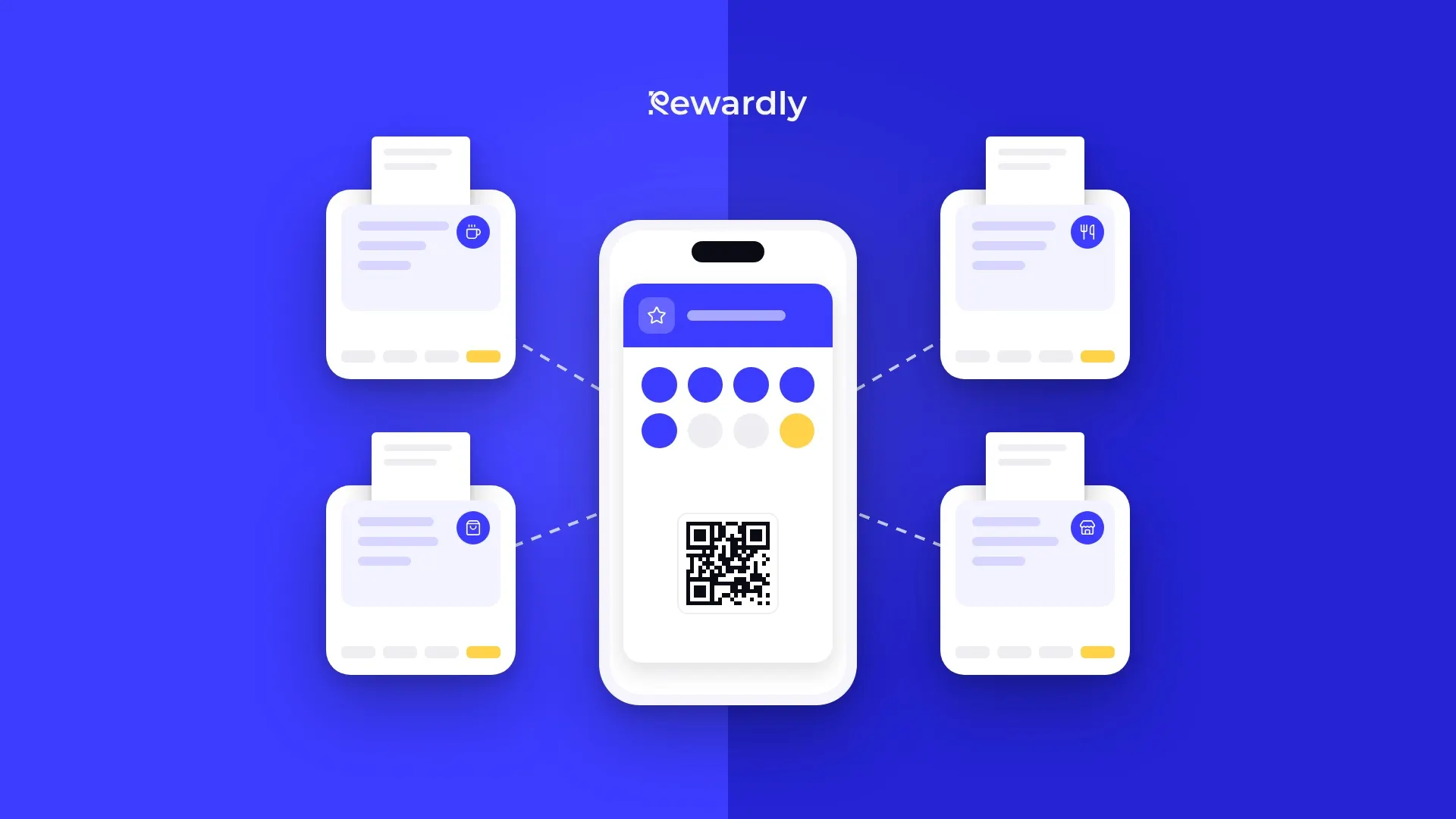
A loyalty program works best when staff barely notice it. Without an integration, they scan the customer's card in the Rewardly app and handle the bill in the till separately. Once the till is connected to the loyalty program, the customer is recognised right at checkout, the purchase is added to their card and the reward is taken off the bill.
Rewardly connects with four tills: Papaya POS, Storyous, Portos and Dotykačka. At first glance they do the same thing, but each integration works differently. In this article you will find what each of them can do, how they differ, what does not work with them and what to think about before you connect.
Which tills Rewardly connects with
- Papaya POS: every time a card is scanned, the till asks Rewardly which discounts and rewards to apply to the open bill. It sends the whole purchase with the request.
- Storyous: works much like Papaya POS. On top of that, it shows the waiter the customer's tier and reverses credited values when a bill is cancelled.
- Portos: the till also asks Rewardly, but it does not send the contents of the purchase. It gets a list of rewards and checks the conditions itself. Each location connects separately.
- Dotykačka: works the other way round. Rewardly writes points, credit and discounts directly to the customer in Dotykačka, and the till uses them without asking Rewardly at checkout.
All four have one thing in common. They recognise the customer by the scanned Rewardly card, for example the QR code from Apple Wallet or Google Wallet, not by phone number or name. The card has to be on the bill before it is closed, otherwise the purchase is not added. The POS integration is part of the Advanced plan and higher. You will find an overview of all connections on the integrations page.
Two ways a till talks to a loyalty program
The biggest difference is not the name of the till, but where the customer's points and credit are stored.

Live link (Papaya POS, Storyous, Portos). All values stay in Rewardly. Every time a card is scanned, the till asks for the current status, and nothing is stored in the till. A change in Rewardly shows up at the next scan.
Mirror (Dotykačka). Rewardly writes the customer's status into Dotykačka: points, credit and the discount group. At checkout the till works with these values and does not ask Rewardly. Rewardly processes the purchase only after payment.
There is a difference among the live links too. Papaya POS and Storyous send the whole purchase, so Rewardly calculates a reward for a specific product right on the bill. Portos only sends who the customer is. Rewardly returns a list of rewards with instructions, and the till checks conditions such as a minimum amount or a matching product.
Comparison at a glance
How you set up the connection
- Papaya POS: for each location, you enter the API address and an access token from the Papaya POS admin in Rewardly. Then you copy three values from Rewardly into the webhook settings in Papaya POS by hand.
- Storyous: you enter a connection code from Rewardly in the Storyous settings. You never share your Storyous password, and the same code works for your other locations too.
- Portos: you enter the server address, device, user and password. You set up a webhook in Portos BackOffice and enter the reward details in Portos or hand them over to Portos support.
- Dotykačka: you sign in to Dotykačka and allow the Rewardly app. There are no webhooks to set up by hand.
What staff see at the till

- Papaya POS: discounts and rewards applied to the bill, and a short message in Slovak, Czech or English.
- Storyous: the customer's first name, progress in points and stamps, their tier, what this purchase earns and the rewards and credit they can use.
- Portos: a list of rewards the customer can redeem. The till shows the balance as a single number, points.
- Dotykačka: the values stored with the customer: points in the points field, credit in the account balance and the discount from the discount group.
Redeeming rewards and credit
- Papaya POS: rewards, percentage discounts, credit, cashback and points are all applied right on the bill. Credit is spent automatically up to the bill amount, or only when the cashier rings up a chosen product, for example “REDEEM REWARD”.
- Storyous: credit and cashback are prefilled on the bill and the waiter can lower or reject them. Rewards appear as vouchers that the waiter can switch off. With points, the customer buys one reward from the catalogue per purchase.
- Portos: rewards, discounts, and credit, cashback or points with a money value. Credit is held when it is redeemed and deducted according to the closed receipt.
- Dotykačka: staff ring up special products that Rewardly creates in Dotykačka, for example a free reward or payment with points. Credit is spent from the account balance. Rewards for points are not sold at the till.
Customer tier and member discount
- Storyous: the customer's tier is shown at the till.
- Dotykačka: the tier and member discount are passed on as a percentage discount group. A customer has one group, and the one with the highest discount applies.
- Portos: the till applies a member or tier discount, but does not show the tier itself.
- Papaya POS: the customer's tier is not shown at the till.
Cancelled bill
- Storyous: a cancelled bill is reversed, so the credited values disappear.
- Papaya POS and Portos: a cancellation or a product return does not reverse loyalty values. You adjust the customer's balance by hand in their detail in Rewardly.
- Dotykačka: if you handle cancellations often, check the process with us before launch.
Multiple locations
- Papaya POS: each location connects separately, with its own token. The connection creates the location in Rewardly by itself.
- Storyous: each location has its own connection, and the location in Rewardly is created automatically. You can also attach several Storyous accounts to one integration.
- Portos: each location has its own server, so each one connects separately and gets its own credentials.
- Dotykačka: one connection covers the whole Dotykačka account with its branches. You assign the branches to locations in Rewardly by hand.
Each integration in detail
Papaya POS: rewards calculated on the whole purchase
What it does. The cashier scans the customer's card and Papaya POS sends Rewardly the whole open bill. Rewardly returns discounts and a message for the cashier. After payment, Papaya POS sends the order and Rewardly adds points, stamps or cashback and confirms the redeemed rewards.
What you get. A free coffee is taken off the right line. If a line has several items, one of them is free. Credit or cashback pays part of the bill automatically. If you want credit to be spent only when the customer asks for it, you turn off automatic redemption and the credit is released only by a product the cashier rings up. Rewardly loads the product catalogue from Papaya POS, so a free reward or a stamp can be tied to a specific product.
How it differs. Like Storyous, it sends the whole purchase. Unlike Storyous, it does not show the customer's tier and does not reverse a cancelled order. If Rewardly does not respond at that moment, the till does not wait: it gets an empty offer with a message that the loyalty system is temporarily unavailable, and you handle the bill as usual.
Who it suits. Cafés and bistros with a stamp card, points or cashback, and smaller chains with several locations on Papaya POS.
What to keep in mind. You need access to the Papaya POS admin and a token for each location. The setup in Papaya POS is manual. Product prices are loaded in euros.
Storyous: a live offer for the waiter
What it does. The waiter scans the card and Storyous gets an offer from Rewardly: the customer's name, their points and stamps, tier, what they earn with this purchase and the rewards and credit they can use. After payment, Storyous reports the bill and Rewardly adds points or stamps based on the amount the customer actually paid after discounts.
What you get. When a purchase completes the stamp card, the reward can be redeemed right away on the same bill. Cashback from the last visit pays part of the next bill. Rewardly loads the menu with its categories, so program rules can target specific products and categories. The receipt shows the credit used and the credit remaining.
How it differs. It is the only one of the four that shows the customer's tier together with a live offer. Unlike Papaya POS and Portos, it reverses a cancelled bill. The waiter stays in control of credit and can lower or reject it. If Rewardly is down, the till gets an empty offer and carries on without it.
Who it suits. Restaurants, cafés and bars on Storyous that want the waiter to see everything important about the customer at the table.
What to keep in mind. The customer needs a Rewardly card beforehand, the till does not create a new member. One bill holds one customer. Points are not spent like money, but on rewards from the catalogue. The menu updates when you connect, every night and on request. Instant updates have to be turned on by Storyous.
Portos: rewards for chains with their own server at every location
What it does. When the cashier selects the customer, Portos asks Rewardly what they can redeem. Rewardly returns a list of rewards with instructions, the till checks the conditions and, after confirmation, reports what it applied. A closed receipt adds points. Rewardly creates a customer in Portos for every Rewardly card.
What you get. A stamp card with a free product, a member discount applied automatically with every card, and spending credit or cashback at the till. Product or category discounts are matched to the products and categories of that location.
How it differs. It does not send the contents of the purchase, so some reward types do not work at a Portos till. Each location has its own server and its own connection, which suits groups with several venues under one loyalty program.
Who it suits. Restaurants and cafés on Portos, especially chains with several locations.
What to keep in mind. The Portos server has to be reachable from the internet. The till does not show a buy X get Y reward, several free products, a percentage discount with a maximum amount, a discount with a limited number of uses or a discount with a minimum spend condition. A product discount is applied to one matching line, the cheapest one. A product return does not deduct points.
Dotykačka: loyalty values stored right in the till
What it does. Rewardly creates a customer in Dotykačka for every card, with a barcode based on the card, so scanning the card selects the customer. It writes points, credit and the discount group to that customer and creates products for redeeming rewards. Dotykačka sends paid orders to Rewardly.
What you get. If your Dotykačka products have points set, the till can count them itself, and Rewardly reads them after every order and shows them to the customer on the card in their phone. The customer gets their tier discount automatically at every branch. Stored credit is spent from the account balance.
How it differs. It is the only one that can leave point counting to the till, and it applies the member discount without asking Rewardly at checkout. On the other hand, it has no live preview of rewards and points are spent only through special products.
Who it suits. Businesses on Dotykačka with stamps or points per product, and chains with branches under one account that want the same member discount everywhere.
What to keep in mind. The points field can hold only one value: points, stamps or cashback. A customer has one discount group, and discounts are percentage only. Cashback cannot go to the account balance. An order without a scanned customer adds nothing. You assign branches to locations in Rewardly by hand.
How the integrations really differ
Papaya POS and Storyous are the closest. Both ask Rewardly at every scan and send the whole purchase. They differ in setup (a token and three values in Papaya POS, one code in Storyous), in showing the tier, which only Storyous does, in cancelled bills, which only Storyous reverses of the two, and in control over credit: in Storyous the waiter can lower it, in Papaya POS it is spent in full or through a chosen product.
Portos is live, but without the purchase. That is why it does not support every reward type and applies a product discount to one line. Its strength is connecting location by location.
Dotykačka stands apart. It keeps the values inside, so member discounts and points counted by the till work without a live connection. It does not show a live offer of rewards like the other three, though.
The integrations do not compete with each other. You choose one based on the till you already have, and all of them work with the same loyalty program in Rewardly. The only thing that changes is what staff see of the program and how the reward gets onto the bill.
Which integration to choose
- If you already have one of the four tills, choose its integration. The comparison above tells you which rewards work with it.
- If you want the waiter to see the customer's tier at the table and adjust the credit used, Storyous offers that combination.
- If you give a reward on a specific product, for example a free coffee, Papaya POS and Storyous calculate it right on the bill, because they send the whole purchase.
- If the till should count points itself and the member discount should work even without a live connection, Dotykačka fits.
- If you have several venues on Portos, you connect them one by one under one program. Check the list of rewards that Portos does not show.
- If you plan a program with a buy X get Y rule or a minimum spend, such a reward does not show at a Portos till. With the others, check the rule before launch.
- If your till is not one of the four, you scan the card in the Rewardly app on a phone or tablet at the counter. You do not need an integration for that.
What to think about before you connect
- Plan. The POS integration is in the Advanced plan and higher.
- Access. Prepare access to the till admin. For Papaya POS a token for each location, for Portos a user and device for Rewardly, for Storyous and Dotykačka access to the account settings.
- Reward types. Compare the rewards you want to give with what your till supports. Portos has the most limits.
- Locations. Think about how locations in the till will be paired with locations in Rewardly.
- Staff training. One rule applies to all four: scan the card before the bill is closed.
Summary
The right integration depends on the till you use and on how you want staff to work with the loyalty program. Papaya POS and Storyous show a live offer on the whole purchase, Portos gives rewards location by location with simpler rules, and Dotykačka keeps loyalty values right in the till.
You will find details about each connection on the integrations page. If you are not sure which setup fits your business, write to us.
Connect your loyalty program to your till. Try Rewardly for €0
No payment upfront, the POS integration is in the Advanced plan and higher.